WowBundles in Action: Offers for Your Shopify Product Pages
Give shoppers a clear choice with quantity savings, curated product combinations and relevant extras. Configure the offer, customize its appearance and preview the result.
Quantity Breaks
Give Shoppers a Reason to Stock Up
Set quantity tiers with percentage, amount-off or fixed pricing. Shoppers compare the options and choose how much to buy — for example, a three-pack of an everyday essential.

Daily serum
Product Bundles
Help Shoppers Find the Complete Combination
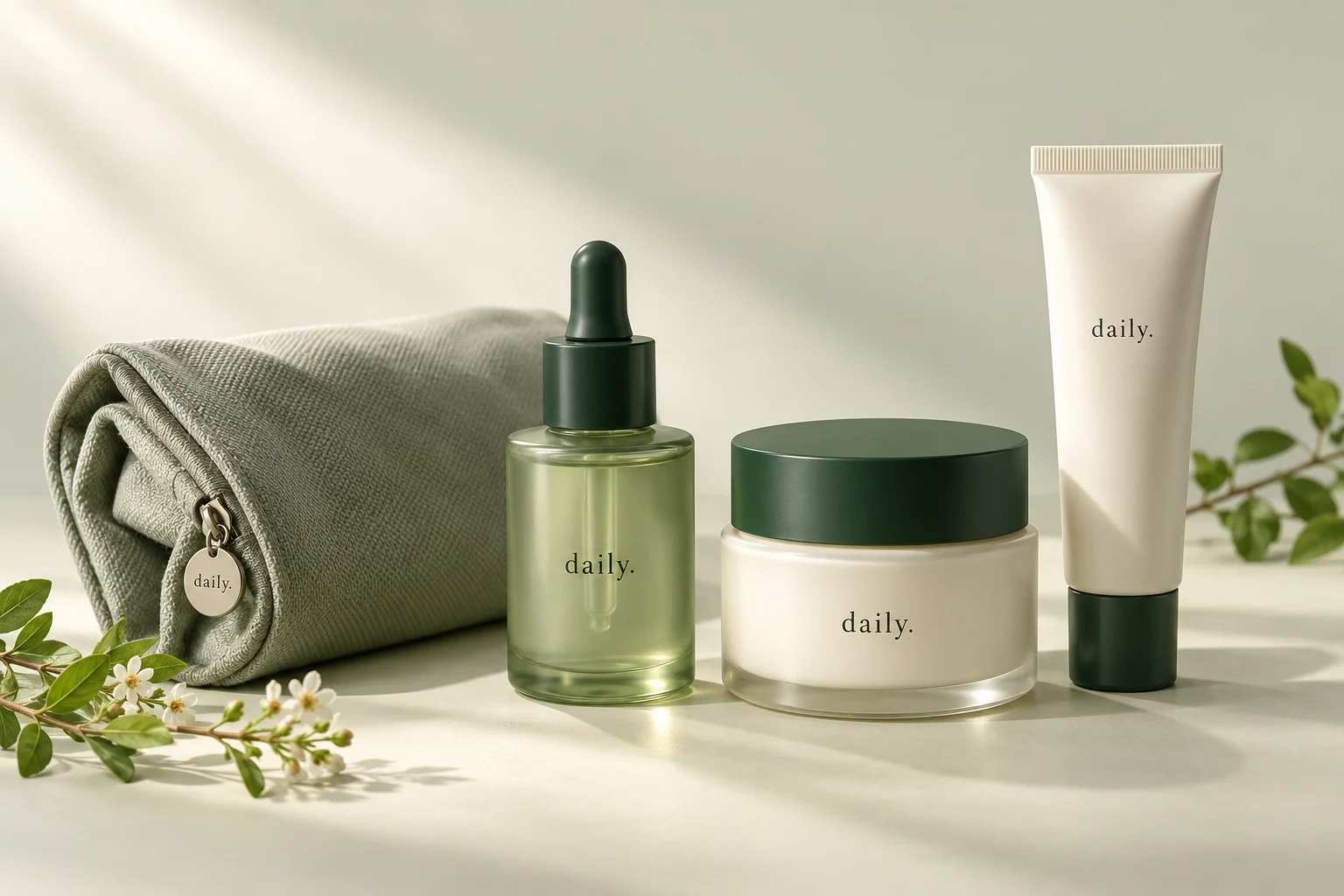
Choose the products and quantities in a curated bundle, with available variant choices for each product. A cleanser, moisturizer and SPF can become one product-page offer.

Buy X Get Y
Pair a Purchase With a Relevant Reward
Configure the qualifying quantity and a free or discounted reward product. Shoppers select the offer, and Shopify checks the discount rules at checkout.

Daily serum
Free Gifts
Add a Thoughtful Extra to the Right Tier
Attach a gift to a quantity tier or unlock gifts progressively. Shoppers can see the reward associated with their selected offer, such as a travel-size product with a larger pack.

Daily serum
Optional Add-ons
Make Complementary Products Easy to Add
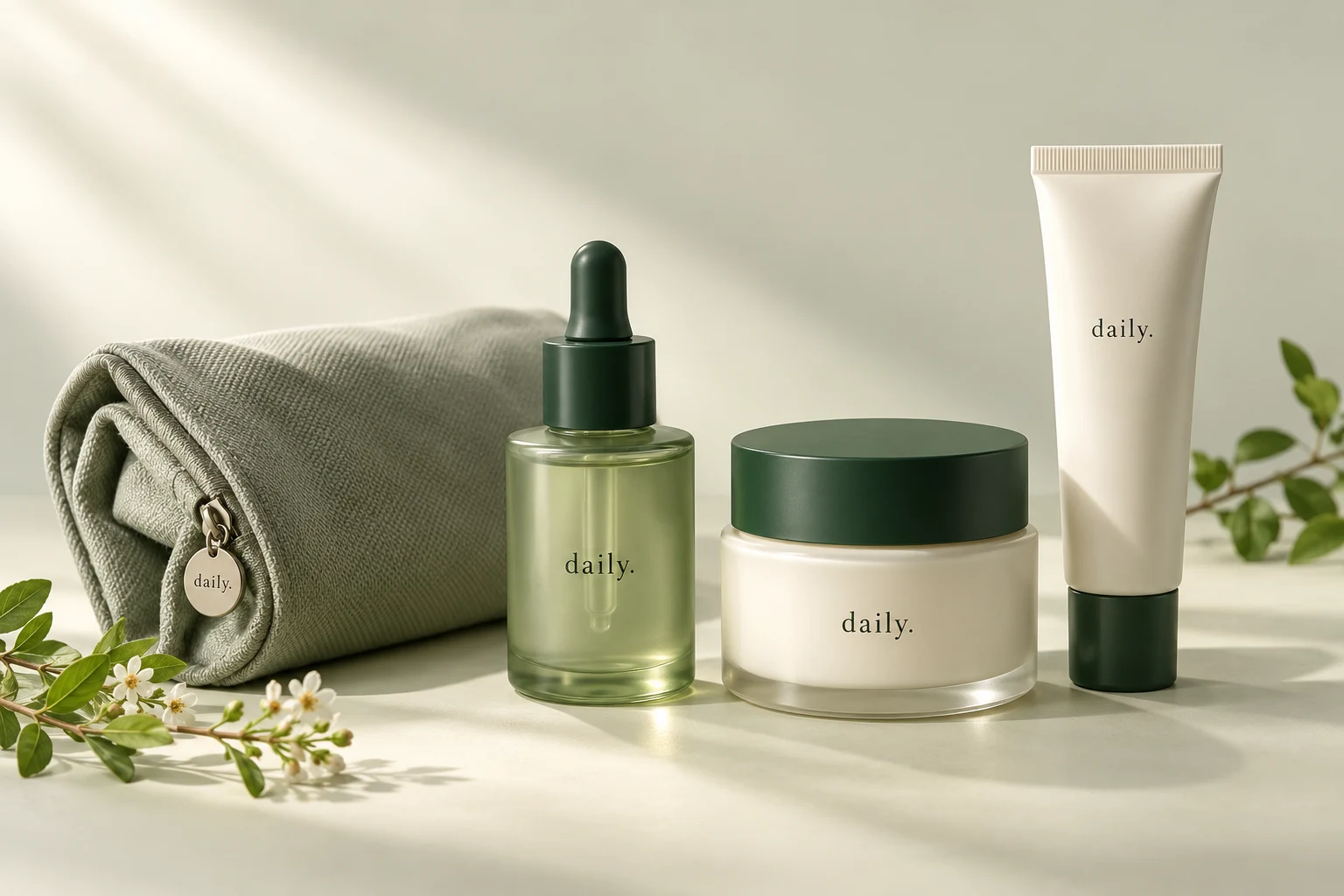
Offer relevant extras alongside a tier. Shoppers tick the products they want — such as a matching pouch — before adding their selection to the cart.

Daily serum
Offer Design
Preview the Offer Before You Publish
Start from a gallery design, then adjust the tier labels, colors and appearance in a live preview. Keep offers as drafts or pause them when a promotion is over.

Daily serum
How It Works
Build an offer in the Shopify admin, preview your changes and check the complete shopping experience before launch.
Choose an Offer and Design
Start from the gallery with a design that suits your quantity, bundle or reward offer.
- Choose an offer type
- Pick a starting design
Configure and Preview
Set products, tiers and pricing. Adjust text and colors, and review the live preview.
- Select products and pricing
- Adjust text and appearance
Place, Publish and Test
Add the theme block and enable the embed for gift cleanup. Test variants, cart and checkout, including wallet paths.
- Add the product-page theme block
- Check cart and checkout behavior
Frequently Asked Questions
Get answers to your questions about WowBundles, theme setup and checkout behavior.
