

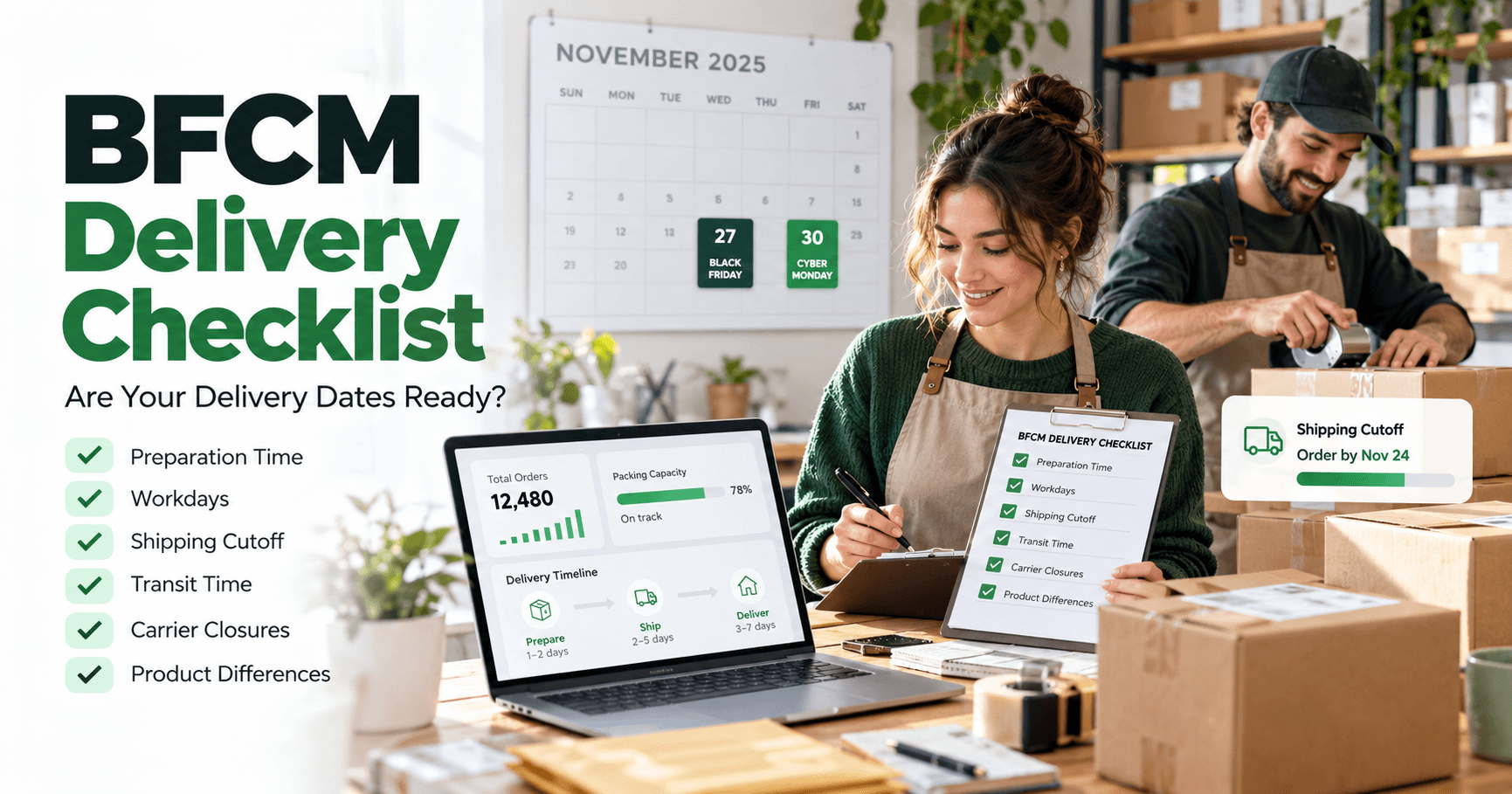
Black Friday can bring a rush of orders; Cyber Monday may bring another one before your team has cleared the first. A delivery message built for an ordinary week can become too optimistic if packing takes longer or a holiday interrupts the schedule. Review the promise shoppers see before the sale, then check it again while orders are coming in.
In 2026, Black Friday falls on November 27 and Cyber Monday on November 30. Shopify's BFCM guide confirms the dates. The checklist below focuses on delivery expectations, so it can sit beside your broader promotion and inventory plan.
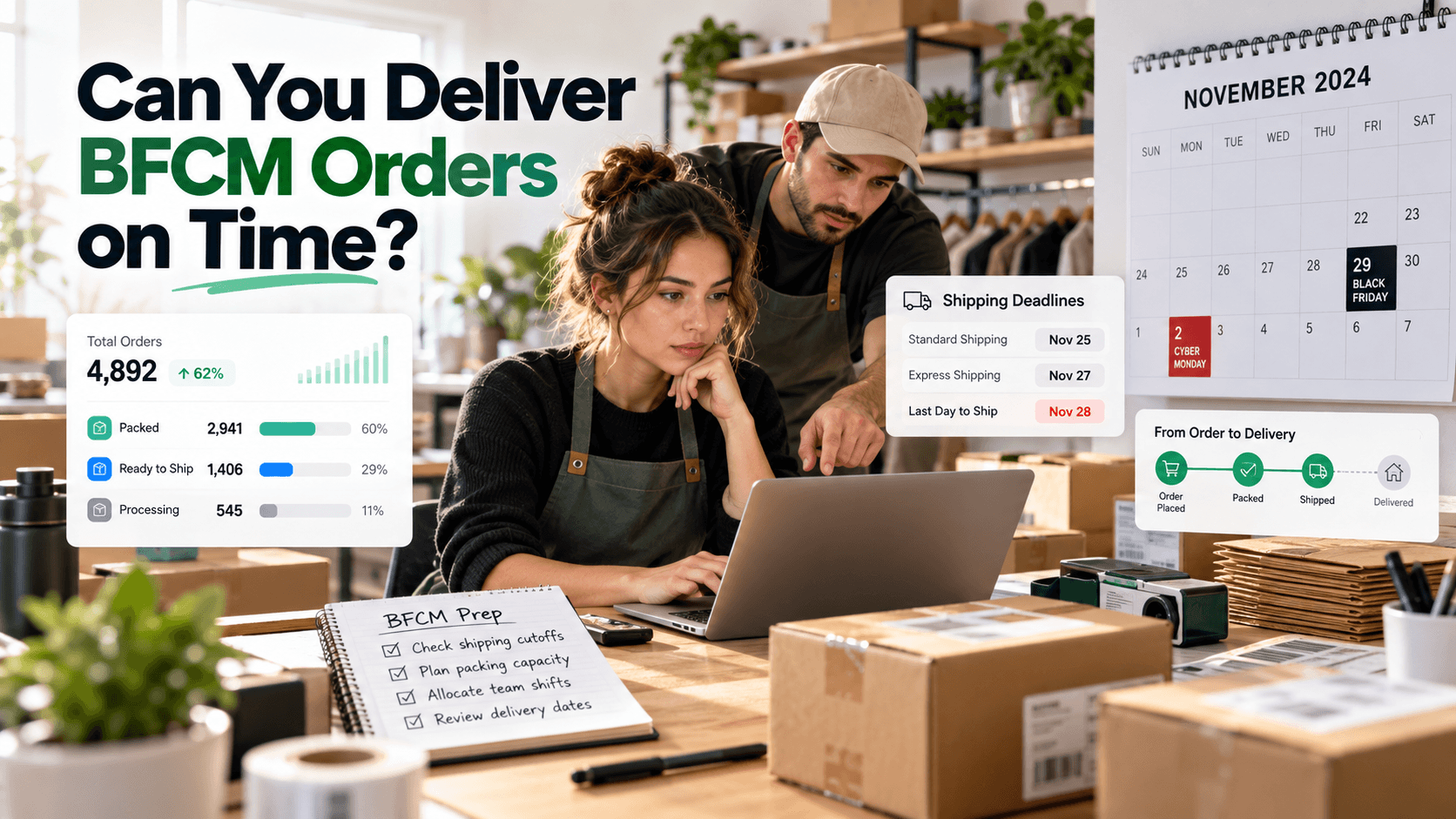
What Is a BFCM Delivery Estimate, and Why Review It?
A delivery estimate is an expected arrival date or range based on preparation time, working days, and transit time. For a shopper buying a gift during BFCM, it turns “ships soon” into a more useful answer: when might the gift arrive? For the merchant, reviewing that estimate exposes a mismatch before it becomes customer-facing copy—for example, a two-day preparation setting when the team expects four days during the sale.
The benefit comes from making the assumption visible and revisable, not from promising a particular arrival. An estimate cannot make fulfillment faster or account for every carrier disruption. If the underlying schedule changes during the weekend, update the message rather than leaving the original range in place.
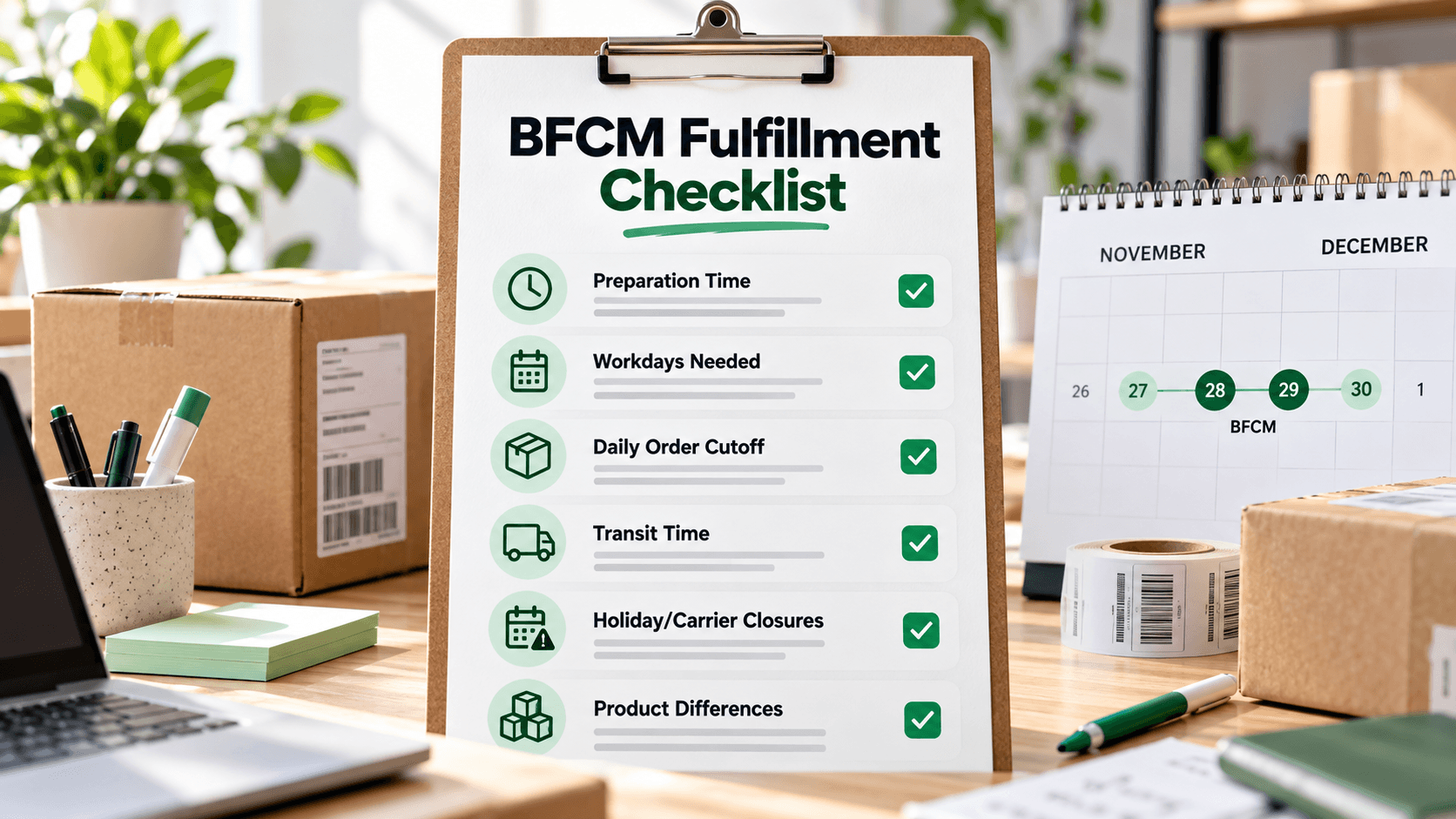
The Delivery Checklist to Complete Before BFCM
Use one real product as a test case: a gift box included in your Black Friday offer. Record its normal preparation time, then decide what your team can actually manage at peak volume.
| Check | Decision to make | What to inspect |
|---|---|---|
| Preparation | Will sale volume add a packing day? | Compare the current estimate with your planned staffing and order capacity. |
| Workdays | Will anyone pack orders over Thanksgiving weekend? | Count only the days your team will work. |
| Daily cutoff | What time does a new order move to the next processing day? | Test an order just before and just after the cutoff. |
| Transit | Are the advertised shipping services and ranges realistic for each area? | Check the carrier's current service guidance for the lanes you sell to. |
| Closures | Is a warehouse or carrier holiday in the window? | Add the dates that affect your own operation; do not assume every country shares the same holiday. |
| Product differences | Do made-to-order or bulky products need longer ranges? | Inspect the sale collection for items that should not share the gift box estimate. |
| Shopper message | Does the product page match your shipping policy and campaign emails? | Remove any blanket “arrives by Christmas” line that the longest relevant range cannot support. |
Shopify's holiday shipping guide recommends checking current carrier deadlines and communicating shipping information in more than one customer touchpoint. Your carrier's deadline is an input to your promise, not an automatic setting in an ETA widget.
Run four checks that mimic actual BFCM orders
Do not stop after previewing the product on a quiet Tuesday. Check the gift box as though an order were placed before Friday's processing cutoff, after that cutoff, over the weekend, and on Cyber Monday. For each case, write down when preparation would really begin and compare it with the date shown to a shopper. Use an authorized test store or preview; a live customer's order is not a test case.
For example, assume your team packs Monday–Friday, can hand off same-day orders placed before 2 p.m., and the selected service takes three to five further working days. A Friday, November 27 order at 1 p.m. could be handed off Friday; under these assumptions its illustrative arrival range is December 2–4. A 3 p.m. Friday order would wait until Monday, November 30 for handoff; its illustrative range becomes December 3–7. A Cyber Monday order before the cutoff shares that later handoff day. A weekend order also waits until Monday. These are calendar examples, not WowETA test results or carrier promises.
Then repeat one case for a destination that takes longer. If your installed plan supports country-specific rules, inspect that shopper-facing result; the current App Store listing assigns country and ZIP rule sets to Advanced. Otherwise compare the destination manually with your campaign wording. This is where a single “get it by Christmas” banner often fails: the date may be plausible near your warehouse and misleading farther away.
Put the Checked Timing on the Product Page
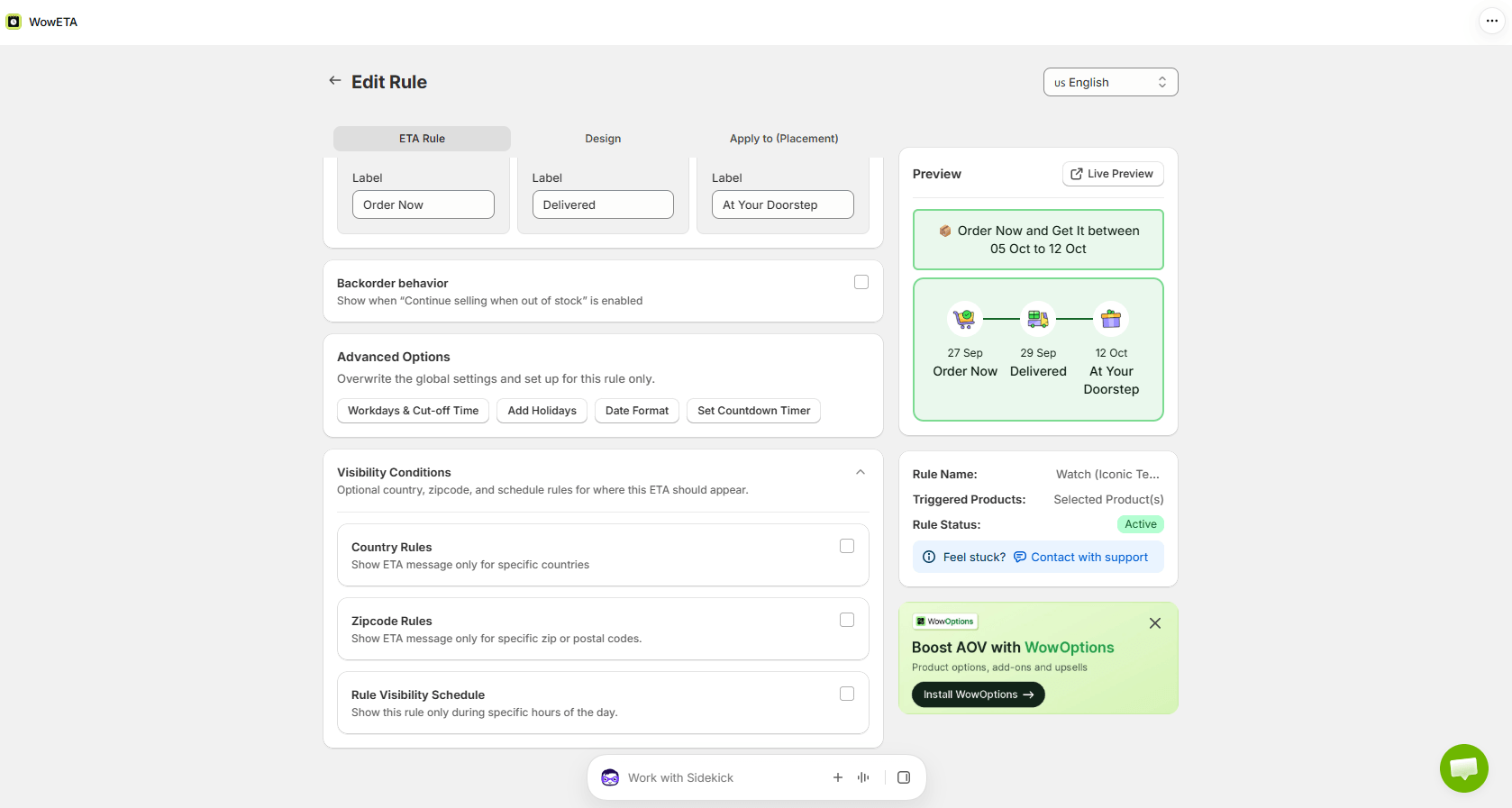
You can use your preferred delivery-date app on a test store if it supports the timing and display you need. The example here is WowETA Estimated Delivery Date: use its product rule, workdays, and cutoff to make the gift-box estimate follow your actual packing schedule. Start with that box rather than changing every item at once.
In WowETA, review the rule assigned to that product or collection. Set preparation and delivery ranges to match your approved BFCM assumptions, then check the workdays and cutoff. Preview the resulting date on the product page before and after the cutoff. Repeat for an item with a longer preparation time so you can see whether it needs a separate rule.
Plan access matters. WowETA's current App Store listing includes workdays and cutoff time on the Free plan, while Holidays and Vacations are listed on a paid plan. Country and ZIP code rule sets are listed under Advanced. Check your installed plan before promising a location-specific or holiday-aware example in campaign copy.
Review Again During the Sale
The pre-sale range is a starting point. Each day of the campaign, compare incoming orders with what your team can pack next. If the queue grows, revise the preparation time and any linked “order by” message together. Check the product page as a shopper would after the change.
Keep the Black Friday discount deadline separate from the order-processing cutoff. A sale can end at midnight while your warehouse stops same-day processing in the afternoon. Customers need the latter to interpret a delivery countdown or date range correctly.
Give one person responsibility for the customer-facing estimate during the sale. The fulfillment lead can report that the queue has grown, but someone also has to change the rule, check the product page, and update the banner or email template. Decide in advance what would trigger that change—for example, when the open queue exceeds what the team can pack in its current preparation window. This is an operational trigger you set, not a threshold WowETA sets automatically.
Keep a short record of each change: the date, the products affected, the preparation range used, and who checked the result. It will help the team answer a customer's question about a date they saw earlier without pretending the estimate never changed.
If You Can Check Only Three Things First
Start with the items most likely to make a visible promise wrong. First, confirm the preparation time against the number of orders your team can pack, because a backlog affects every later date. Second, check the sale-day and weekend cutoff: a Friday evening order and a Monday morning order should not both assume the same start day unless your staff really works those hours. Third, preview the slowest relevant destination or product, not only the easiest one.
This shorter pass gives the team a sensible order when campaign setup time is tight. Record what remains to be checked before the sale begins.
When the campaign ends, do one more review before Christmas promotions begin. The WowETA app can display the estimate, but your team still owns the schedule behind it. That is the part of the checklist worth revisiting whenever volume changes.