

A Halloween party kit that arrives on November 2 is still a delivered order, but it has missed the reason the shopper bought it. If you sell costumes, decorations, or event supplies, work out your realistic delivery window before you put a “last chance” message on the product page. Then show shoppers the estimate they need to make a decision.
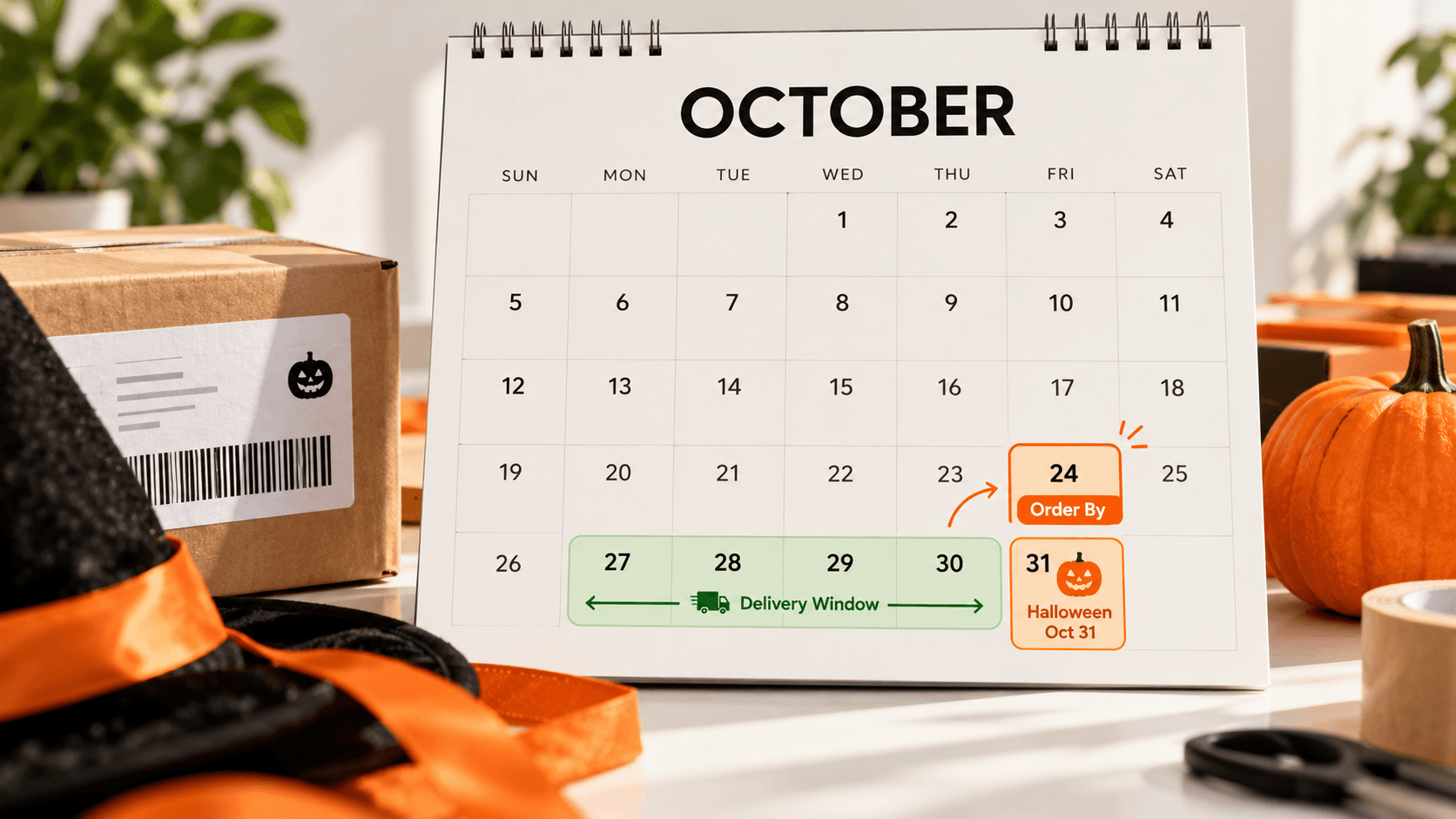
Why Show a Halloween Delivery Estimate?
A delivery estimate is the date or range when a customer can reasonably expect an order to arrive. For a Halloween item, it answers a specific question: Could this reach me before October 31? A useful estimate includes the time you need to prepare the order as well as the expected time in transit.
That clarity helps a shopper decide whether to order, choose a different item, or make another plan. It also gives your team a consistent answer when someone asks about timing. The estimate is still a forecast. A carrier delay or a slower-than-expected packing day can change the actual arrival date, so avoid presenting it as a guarantee.
Find Your Last Sensible Order Date
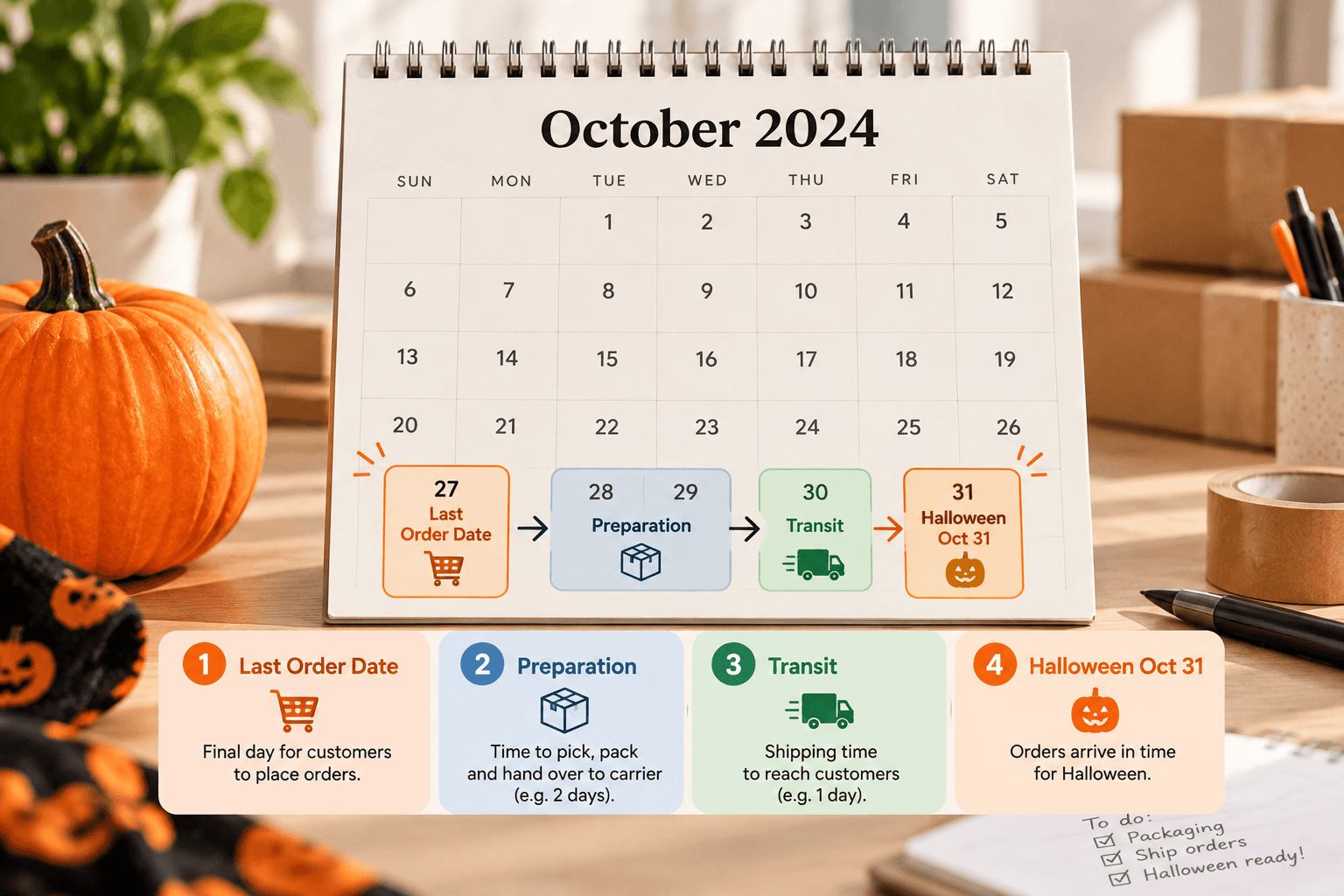
Start with the day your customer needs the item, then work backward through the steps you control. Suppose your gift shop sells a Halloween party kit. You need one working day to pack it, your selected shipping service normally takes three to five working days for a particular destination, and you stop processing same-day orders at 2 p.m. Those are example assumptions, not a recommended deadline for every store.
Write down four things for each shipping area you serve:
- Your actual preparation time for the product. A ready-to-ship kit may differ from a made-to-order costume.
- The days you pack orders and the daily cutoff after which an order moves to the next preparation day.
- The transit range for the shipping service and destination you expect the shopper to use.
- Any closure or other nonworking day between ordering and the event.
Here is a hypothetical calculation, not a carrier deadline. The party is Friday, October 30, 2026. The shop packs and hands off orders on weekdays, needs the next full working day to prepare this kit, and has a 2 p.m. order cutoff. Assume the selected service then takes up to five further working days, with no closures in this example. An order placed by 2 p.m. Thursday, October 22 can be prepared and handed off Friday, October 23. Counting five transit working days from Monday, October 26 leads to Friday, October 30. An order after Thursday's cutoff starts later and no longer fits that illustrative window. A party on Thursday, October 29 would require moving the last-order time earlier. Replace the assumed service time with your carrier's current guidance before publishing any real cutoff.
Use the slower end of the range when deciding how prominently to promote an item as suitable for Halloween. If that end falls after October 31, a single “order by Friday for Halloween delivery” claim is too strong for that destination. Shopify's holiday shipping guidance also recommends checking carrier deadlines and making delivery expectations clear to customers.
Keep an event deadline separate from a shipping deadline
The buyer may need the party kit before Halloween, not on Halloween morning. If the event is on Friday evening, arriving Saturday is no help. Ask what “in time” means for the products you sell, then leave a practical margin between the expected arrival and the event. This margin is your business decision; it is not a feature an ETA app can determine for you.
For the gift shop, a ready-to-ship bag of decorations might have one last sensible order day, while a customized costume has an earlier one. Publish the deadline only for the product and destination used to calculate it. If several delivery areas have different ranges, make the product-page estimate the main source of timing rather than placing one broad date in every banner.
Step-by-Step Guide to Showing a Halloween Delivery Estimate
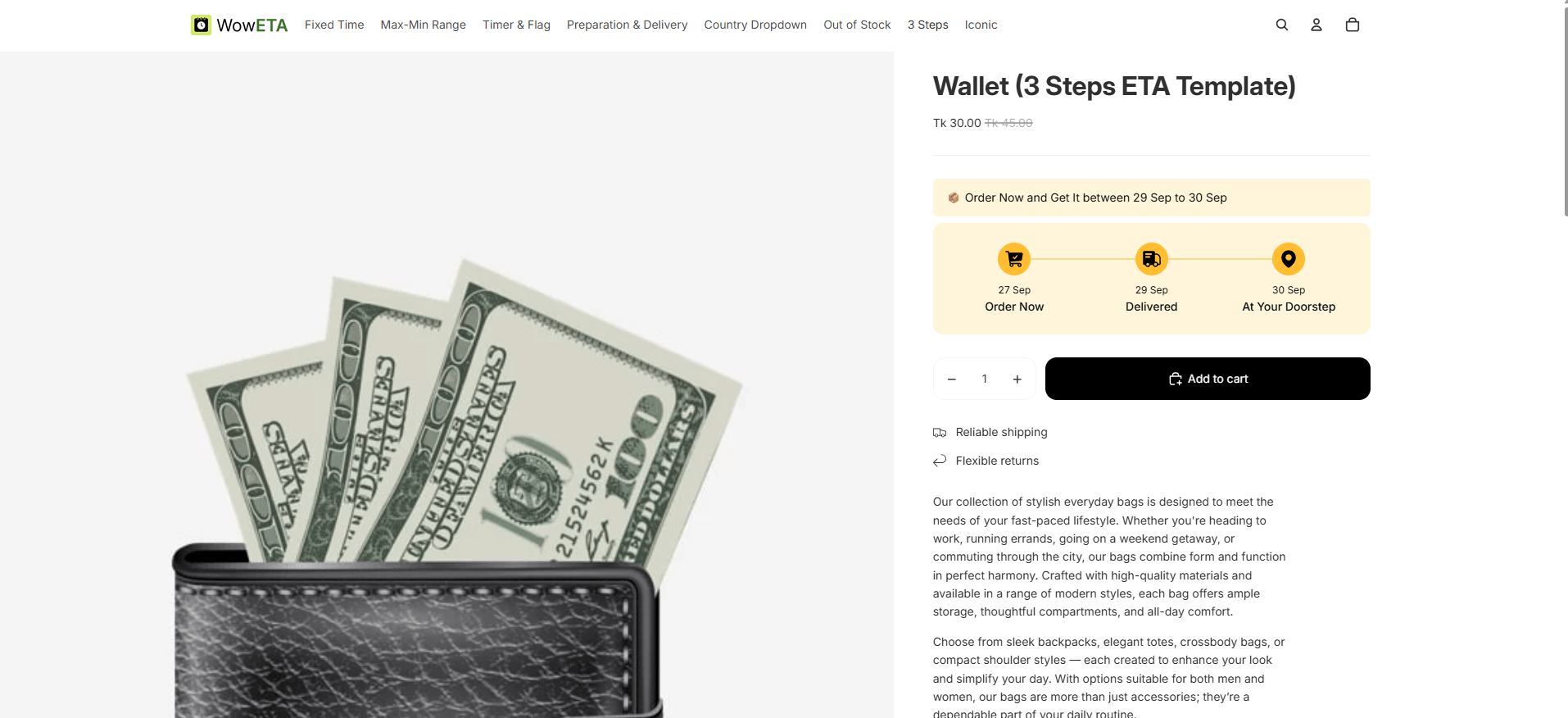
Before choosing a tool, have your processing schedule and destination-specific transit assumptions ready. A delivery-date app should let you enter those details and show the resulting estimate on a product page. The steps below use WowETA Estimated Delivery Date as the example.
1. Set the days you actually work
In WowETA, review your workdays and order cutoff. If your team does not pack on Sunday, do not let a Sunday order start the same preparation schedule as a weekday order. The current Shopify App Store listing includes workdays and cutoff time in WowETA's Free plan; confirm the controls in your installed version.
2. Give the Halloween product its own timing if needed
Create or edit the delivery rule for the party kit and enter preparation and delivery ranges that reflect that item. A costume that needs extra finishing time should not inherit the ready-to-ship kit's shorter estimate. WowETA supports rules for specific products, collections, or all products; choose the scope that matches the products you can actually pack on that schedule.
If your team will close for a day, account for that date too. WowETA's App Store listing places Holidays and Vacations on a paid plan, so check your current entitlement before planning a holiday-specific setup.
3. Check the shopper-facing result
Preview the product page before and after your daily cutoff. For a destination you serve, compare the displayed range with the transit assumption you recorded. If your installed plan exposes country-specific rules, test the shopper-facing result for that country; WowETA's FAQ says the country must also be present in Shopify's shipping settings. The current App Store listing places country and ZIP rule sets on Advanced, so a merchant without that access should check destinations manually and avoid one universal last-order claim. Look at the latest date in the range: does it leave enough room for the buyer's event?
Check again on a nonworking day. A shopper who places an order on Sunday should see a range based on the next day your team really begins packing. This catches an easy mistake: the product's transit range looks right, but preparation begins a day earlier in the settings than it does in your warehouse.
Match Every Campaign Message to the Same Window
Open the product page, your Halloween collection page, the promotional email, and the shipping policy side by side. If one says “arrives by October 31” and another gives a range that runs into November, the shopper receives two different answers. Decide which timing is supported, then edit the copy that conflicts with it. Keep the product page useful even after an email has been sent; the customer may return to buy days later.
When you cannot support a firm last-order date, say what you can support. A visible estimated range, the applicable processing cutoff, and a link to your shipping policy give a shopper more to work with than an unqualified “last chance” claim. Do not hide an after-Halloween estimate merely because the item is still discounted.
Decide when to retire the seasonal claim
Choose a review time when you first publish the deadline, not when a customer points out that it has passed. For example, the gift shop might review its Halloween collection each morning during the last week of October. The person doing that check should compare the current latest estimated arrival with the date of the event and remove the “in time for Halloween” wording as soon as the statement is no longer supported. The item can remain available; the event promise should change.
Keep the replacement copy ready. If the kit is still useful for later autumn parties, describe the item without tying its delivery to October 31. This avoids a hurried edit at the busiest point of the campaign and keeps the product page accurate for customers who continue shopping after the holiday.
What to Say When the Window Has Passed
Keep the message useful after your practical deadline. For example: “Estimated delivery: November 2–4 for this location. Arrival before Halloween is unlikely.” Use that wording only when it matches the estimate your store actually shows. A brief note like this is more helpful than leaving an old “arrives in time” banner live.
Your Halloween deadline may differ by product, address, and shipping service. Make the last check on one real product and destination before extending the WowETA delivery rule across a collection.