

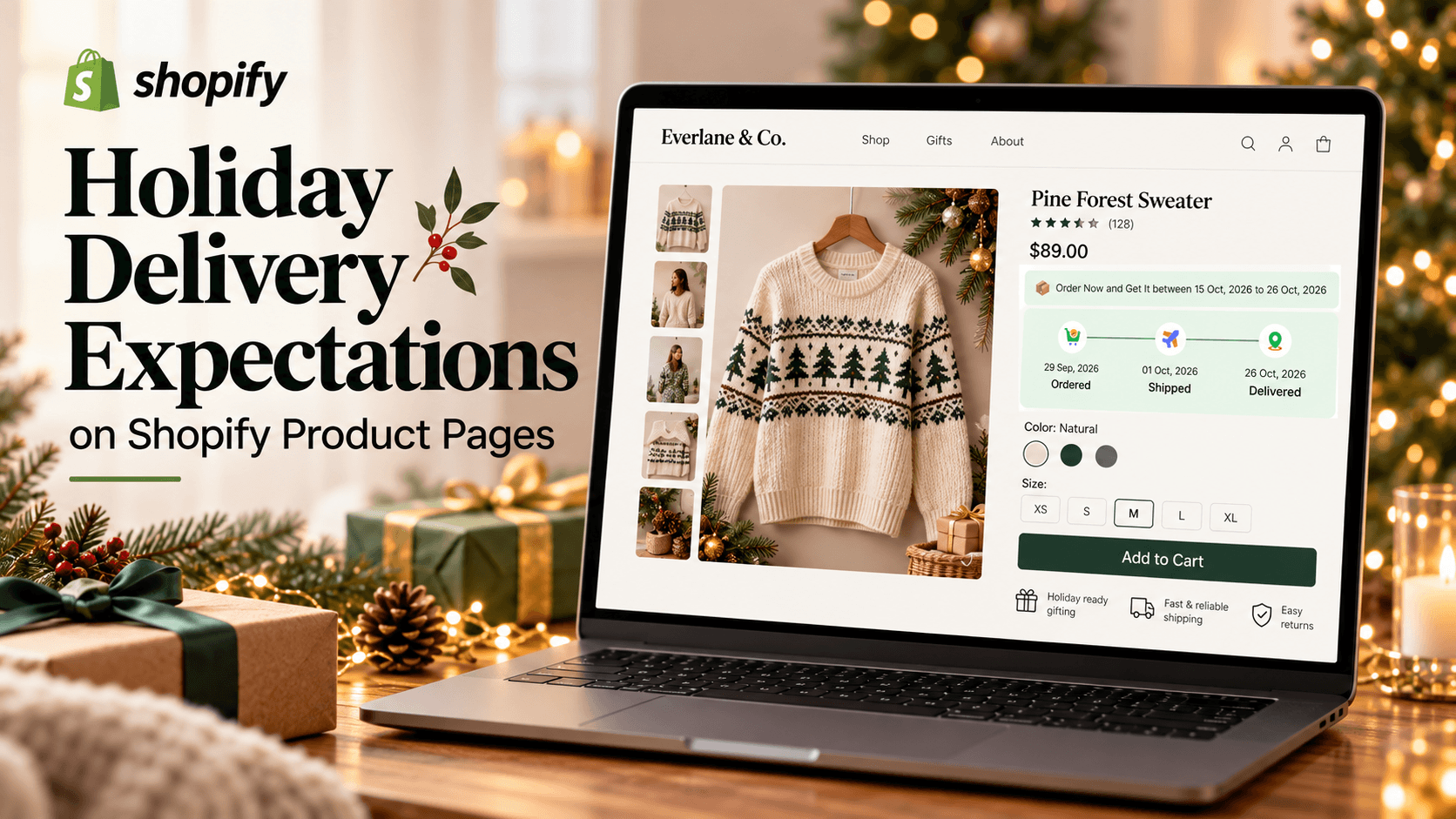
A shopper choosing a gift may look at the product page before reading your shipping policy. If the page says “arrives before Christmas” while your current delivery range extends into late December, the message is no longer helpful. Put the expected arrival window near the buying decision, and base any holiday wording on the products and destinations you can actually serve.
What Is a Holiday Delivery Message, and Why Use One?
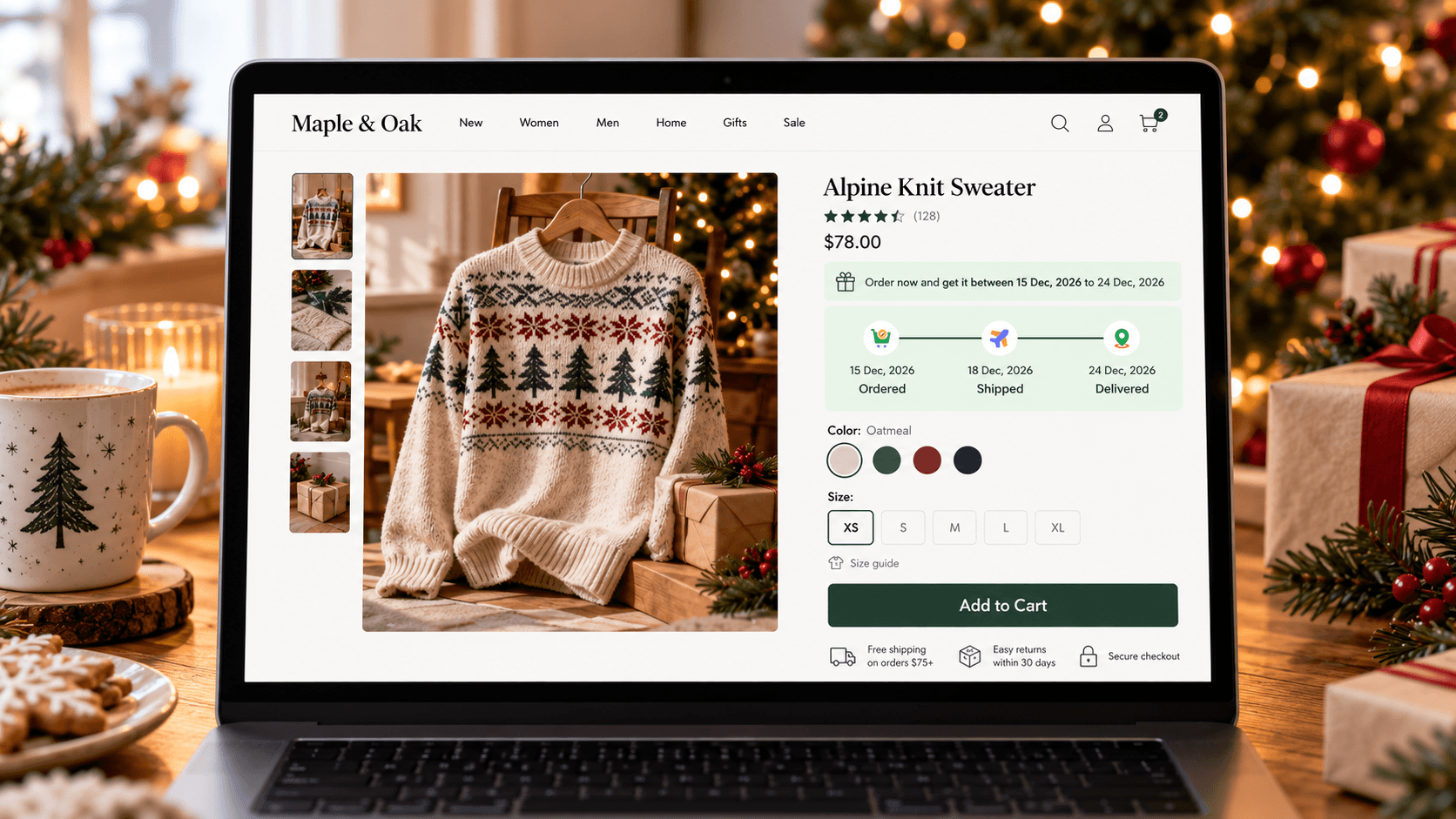
A holiday delivery message tells shoppers when an order is expected to arrive during a busy or time-sensitive period. It can be a date range, an estimated dispatch date, or a plain explanation of a closure. On a product page, it answers the gift buyer's immediate question before they add the item to their cart.
For the store owner, a clear message also connects the product's preparation time with the customer-facing promise. A ready-to-ship gift box and a personalized gift may need different ranges. Showing the difference lets a shopper choose with better information. It remains an estimate: neither a widget nor a banner can guarantee a carrier's arrival date.
Decide What the Page Can Honestly Say
Start with one gift product. Record how long your team needs to prepare it, which days you work, your daily cutoff, and the delivery range for the destination. Check the chosen service's current holiday guidance. Shopify recommends checking carrier deadlines and communicating shipping details clearly, including on the store itself.
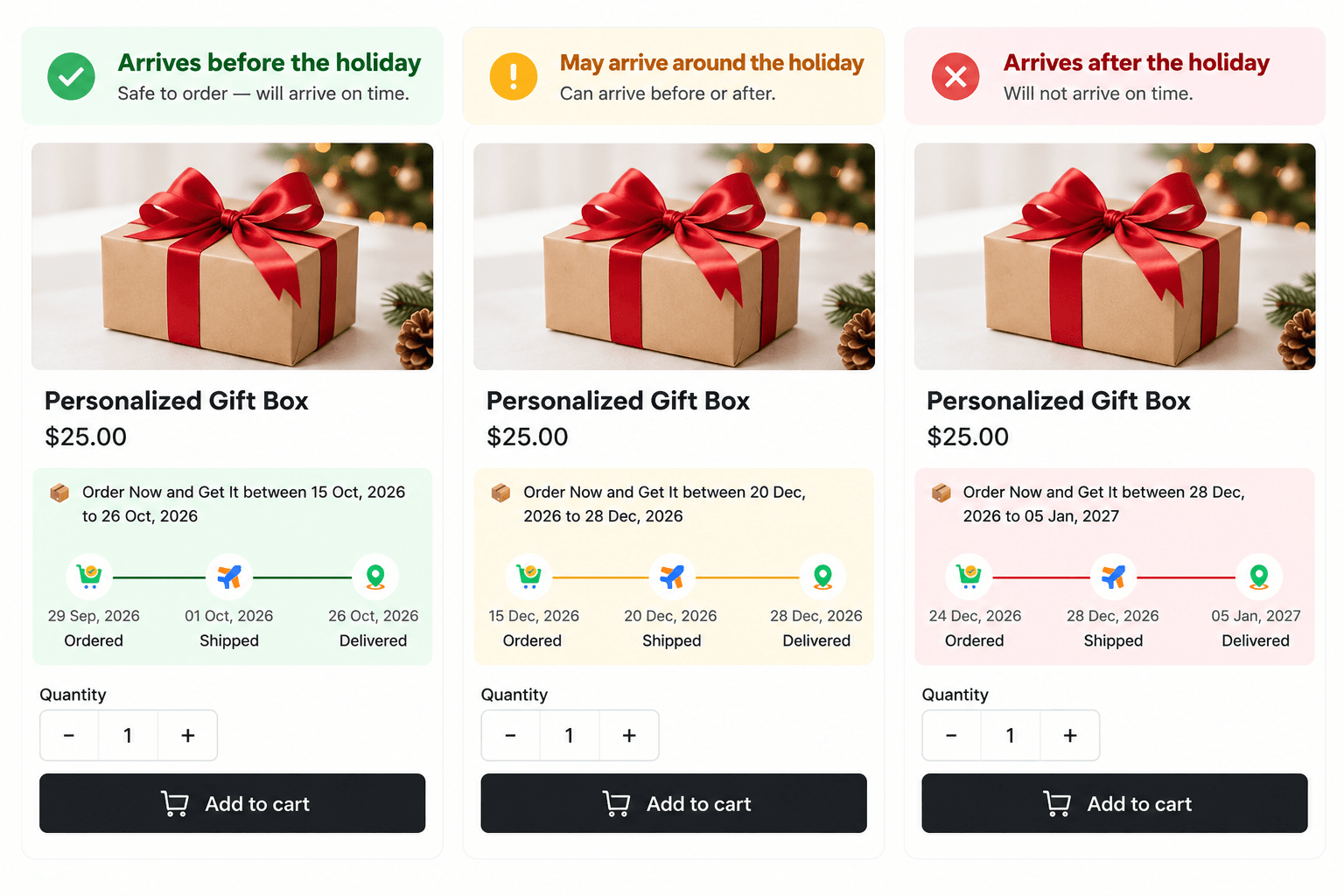
Then choose wording that matches the latest plausible arrival in the range. “Estimated delivery: December 21–24” is more informative than “fast holiday shipping,” if those dates are supported by your own schedule and carrier guidance. If the range overlaps or passes December 25, avoid a blanket “arrives for Christmas” claim. Instead, show the range and explain that arrival before the holiday is uncertain.
| If the estimate shows… | A clearer product-page approach |
|---|---|
| A range comfortably before the event | Show the estimated dates and the order-processing cutoff that applies. |
| A range that crosses the event | Show the full range; avoid a promise tied to the holiday. |
| A range entirely after the event | Say so plainly and remove any earlier “last chance” banner. |
For example, a hypothetical range crossing the holiday could read: “Estimated arrival: December 23–28. Arrival before Christmas is uncertain.” A range entirely after it could read: “Estimated arrival: December 28–30, after Christmas.” In both cases the date refers to arrival, not dispatch. Replace these dates with the range your product actually shows; they are message examples, not dates for any real shipping service.
Show the reason when a date changes
Customers do not need your internal staffing spreadsheet. They do need to know whether the date is an estimated arrival or the day an item ships. Keep those labels distinct. “Ships in two days” does not answer “Will this be under the tree by Christmas?” because transit still follows. For a personalized gift, a short note that preparation takes longer can explain why its range differs from the ready-to-ship gift box.
If you use a banner with an order-by date, qualify its scope. “Order qualifying ready-to-ship gifts by [date] for the displayed estimated range” is clearer than a universal Christmas promise—but only after you have checked that date for the products, services, and destinations it covers. If the destination is unknown on the product page, do not imply the shortest regional range applies to everyone.
Step-by-Step Guide to Adding a Useful Product-Page Estimate
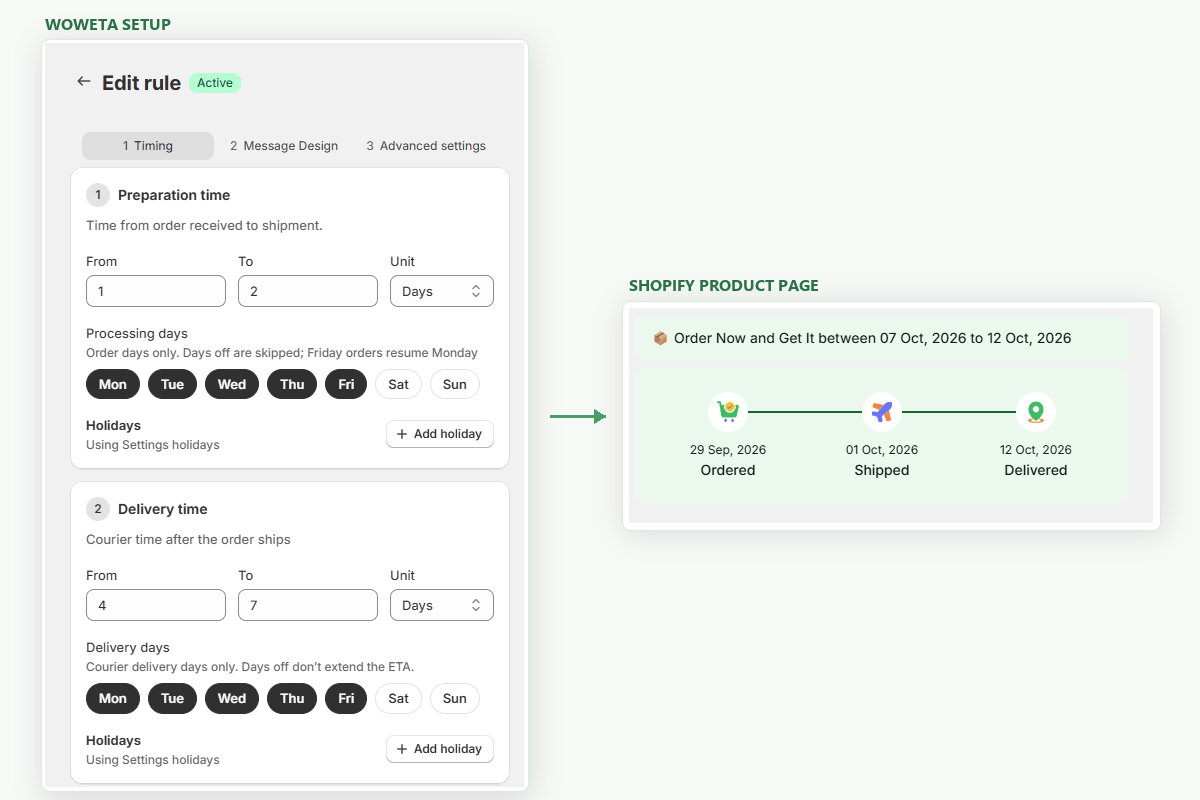
Before choosing an app, have the product's preparation range and your delivery assumptions ready. A suitable delivery-date app should let you scope the estimate to the product and display the resulting message on its page. The example below uses WowETA Estimated Delivery Date.
1. Check the product's rule
WowETA supports rules for specific products, collections, or all products. Use a product-specific rule if your personalized gift takes longer to prepare than the rest of the collection. Keep the range tied to what your team can handle in the holiday rush.
2. Review workdays, cutoff, and closures
If the team closes for a holiday, the displayed date should not assume that day is available for normal work. WowETA workdays and cutoff are listed on its Free plan, while Holidays and Vacations appear on a paid plan. Check the current entitlement before relying on the holiday control.
3. Preview the page as a gift shopper
View the gift product in an authorized test store. Check the date before and after your cutoff and, if relevant, for different destinations. Inspect where the estimate appears in your theme relative to the price and purchase button: is it easy to notice, and does any separate banner contradict it? WowETA lists product-page ETA display and customizable messages, but your theme determines the actual placement.
Check the same page on a narrow phone screen. A long holiday note may wrap below the purchase button or lose the date that matters most. Keep the visible message short enough to scan, and use your shipping policy for fuller conditions. The screen check is also where you catch an old announcement bar still promising a date that the product's live estimate no longer supports.
Keep the Message Current After a Deadline Passes
The page should change when an earlier arrival is no longer plausible. Remove or revise a “before Christmas” line when the latest relevant estimate reaches past the event. A precise product-page range cannot repair a conflicting promise elsewhere.
WowETA can display a product's estimated window. Your most useful editorial choice is to write around that window with ordinary, conditional language—and update it when your preparation time or carrier information changes.
Make one person responsible for removing event-specific copy after the holiday. The estimate may continue to calculate a sensible range, but “order now for Christmas” will not age well on December 26. Put the message review on the same calendar as your promotional banner and email changes.
Three Message Checks Before You Publish
Read the message without the rest of the page. Can a buyer tell whether the date refers to dispatch or arrival? If the wording says only “by Friday,” add the event or date and the meaning of “by.” Next, read it beside the shipping option a customer is likely to choose. A date calculated from express shipping should not sit beside a standard-shipping offer as though it covers both.
Finally, check the same product after the last qualifying order time. The message should move to the later estimate or lose its holiday-arrival claim. The point of product-page clarity is to give one answer at the moment of purchase, not two competing ones.