

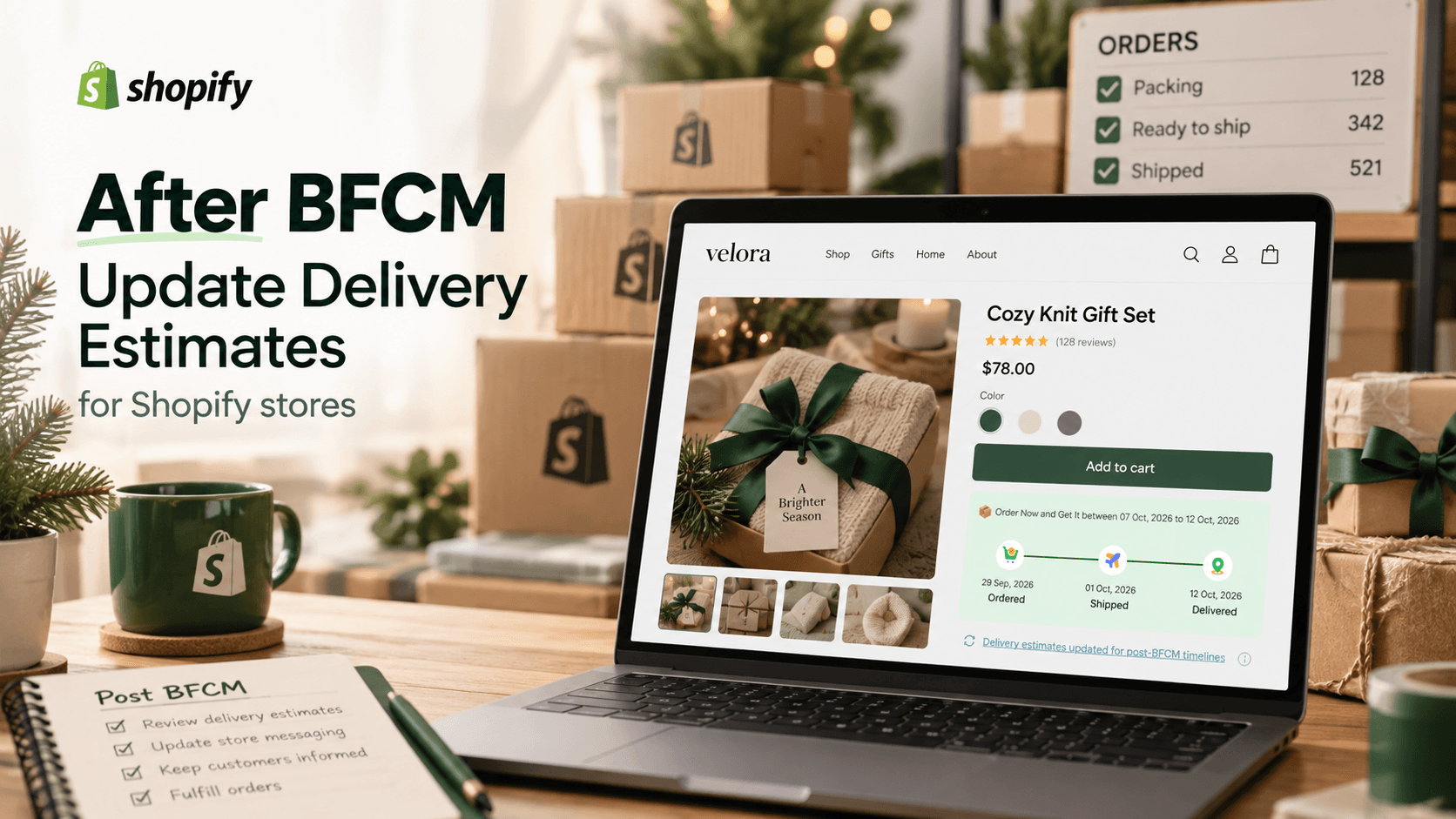
When BFCM ends, the orders it produced will still be moving through your store. Before you switch the homepage to Christmas gifts, check whether your normal delivery estimate reflects the packing queue left by Black Friday and Cyber Monday. A message that was reasonable before the sale can become too early if your team needs extra days to prepare new orders.
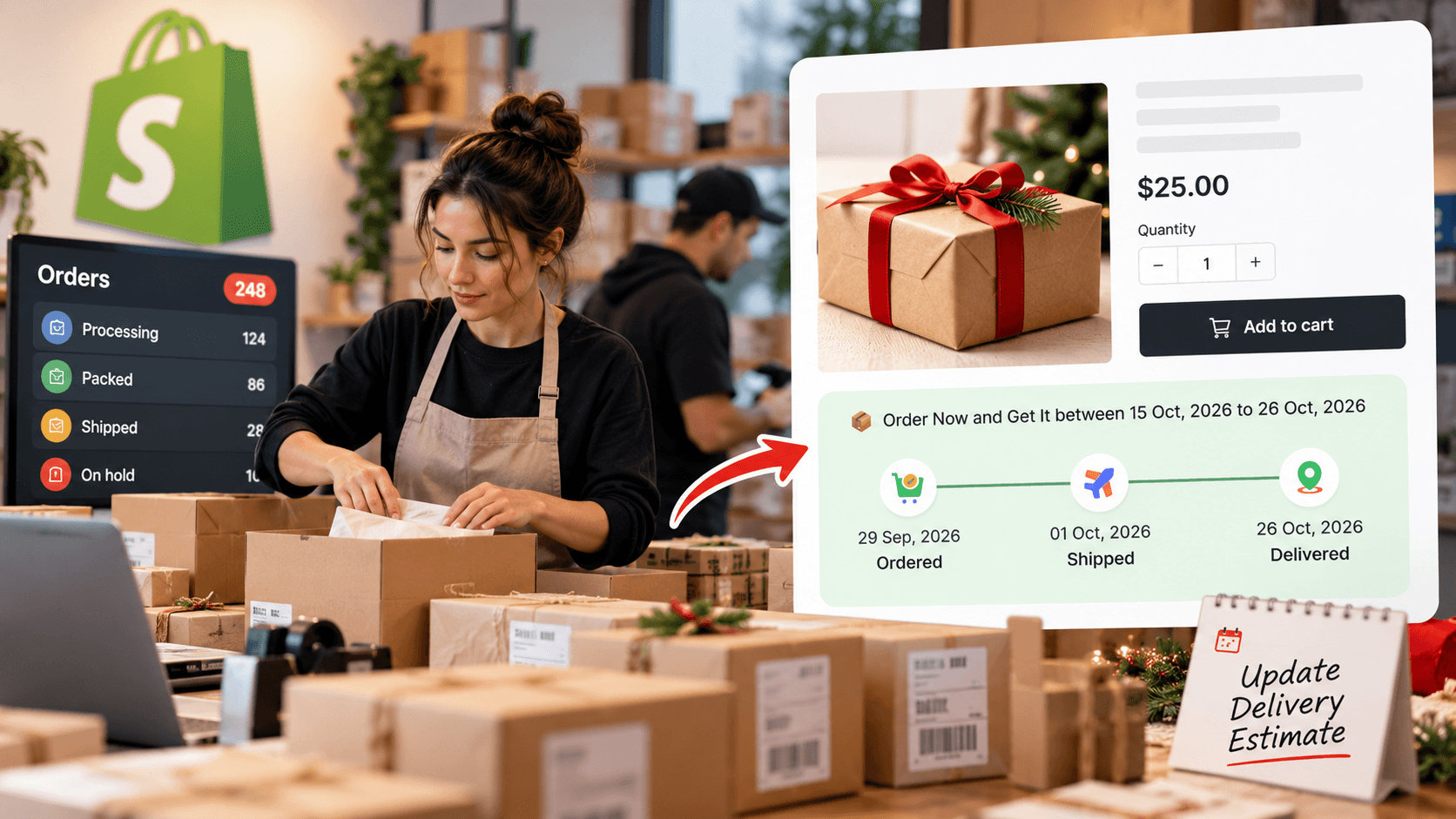
What Does Updating a Delivery Estimate Mean, and Why Do It?
A delivery estimate is the arrival date or range shown to a shopper before purchase. Updating it means revising the preparation, working-day, cutoff, or transit assumptions behind that range when your operation changes. For a gift shop, that could mean allowing an extra packing day while the team clears sale orders.
The benefit is straightforward: the new shopper sees a range based on the current queue rather than last week's schedule. Your support team can point to the same expectation. The update does not make an existing order arrive sooner, and it should not be presented as a guaranteed date.
Look at the Queue Before Changing the Widget
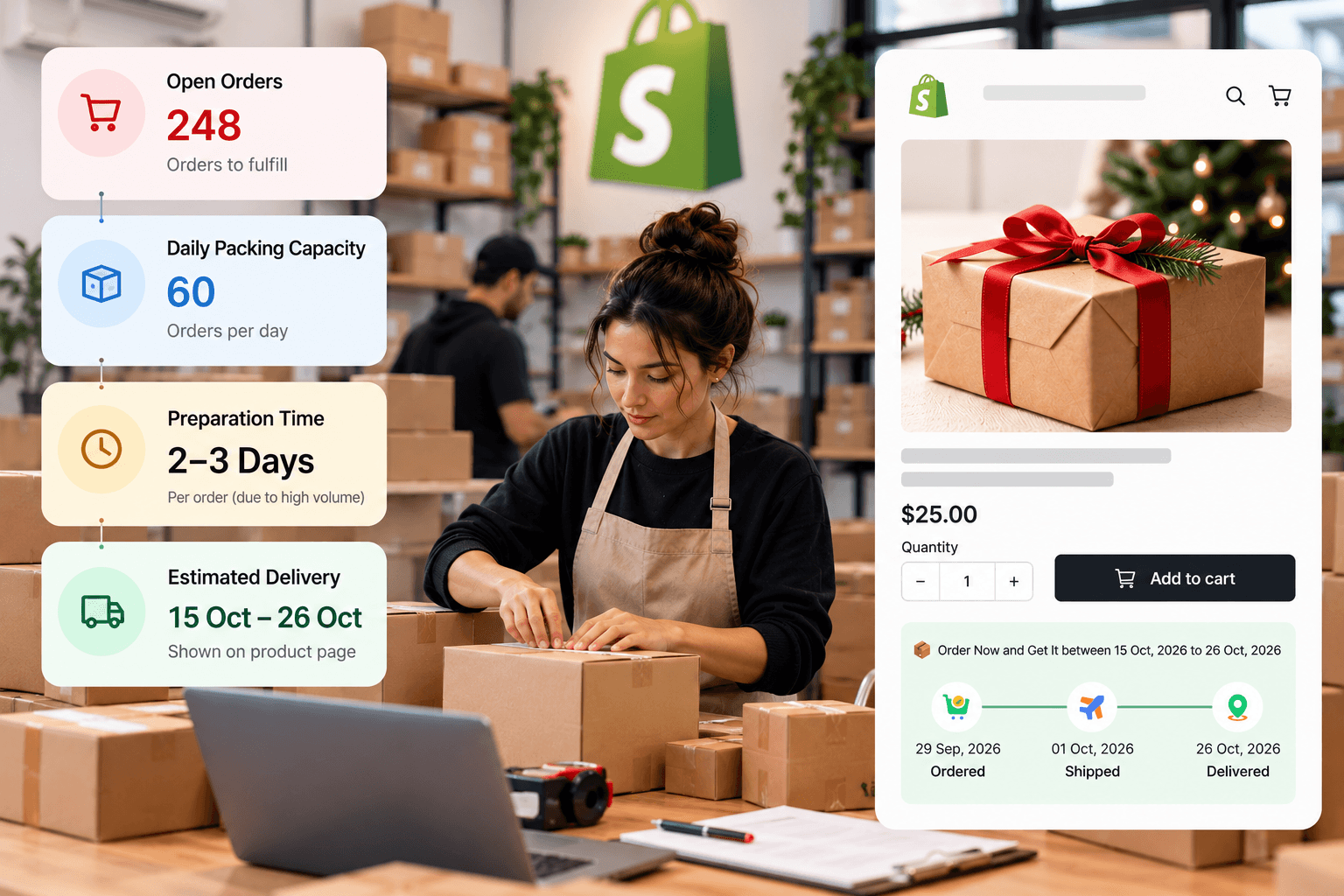
Use one ready-to-ship gift box and one item that takes longer to prepare. Ask the people fulfilling them how many orders are waiting and how many they can realistically complete per working day. Compare that answer with the preparation time currently used for each product. If the box still leaves on schedule but the personalized item is delayed, change the slower item's rule rather than widening every estimate.
For a hypothetical queue check, suppose 24 gift boxes are ahead of a new order and your team can pack 10 boxes per working day. If the new order arrives Tuesday after the daily cutoff, the first 10 ahead are packed Wednesday, the next 10 Thursday, and the remaining four ahead plus the new box can be packed Friday. Under those assumptions, a one-working-day preparation setting for the new box is too short; the team expects to hand it off on the third working day after ordering. This is arithmetic for your team to replace with its own capacity, not a backlog automatically calculated by WowETA.
Also check the next closure on your calendar and the shipping services you currently offer. Shopify's holiday shipping guide recommends matching customer-facing delivery information to carrier deadlines and fulfillment realities. Carrier notices are a separate input; an estimated-date app cannot infer every disruption to your specific route.
A Short Post-BFCM Review
| Check | What to compare | Action when it no longer matches |
|---|---|---|
| Open order queue | Orders awaiting packing versus daily capacity | Increase the preparation range for affected products. |
| Workdays and cutoffs | Actual staffing versus the displayed schedule | Update the days or cutoff before accepting new orders on the old promise. |
| Product differences | Ready-to-ship versus personalized goods | Keep separate timing when the work really differs. |
| Closures | Warehouse and carrier dates ahead | Exclude only the dates that affect the relevant journey. |
| Customer copy | Product page, banner, policy, and emails | Remove a shorter or “arrives by” promise that no longer fits. |
Do this review daily while the backlog is changing.
Decide which change the evidence actually calls for
A long queue of unprocessed orders points to preparation time. A warehouse closing two days next week points to working days or holiday dates. A carrier notice affecting one route points to that route's transit assumption or customer message. Changing every setting at once makes it hard to tell whether the new estimate reflects the issue you found. Start with the narrowest correction and preview the result.
If a product is out of stock, do not treat an ordinary delivery range as an inventory promise. Confirm whether and when it can be fulfilled before displaying an arrival estimate. The store's stock and fulfillment workflow are the source of that answer, not the fact that an ETA widget is visible.
Update the Estimate Shoppers Actually See
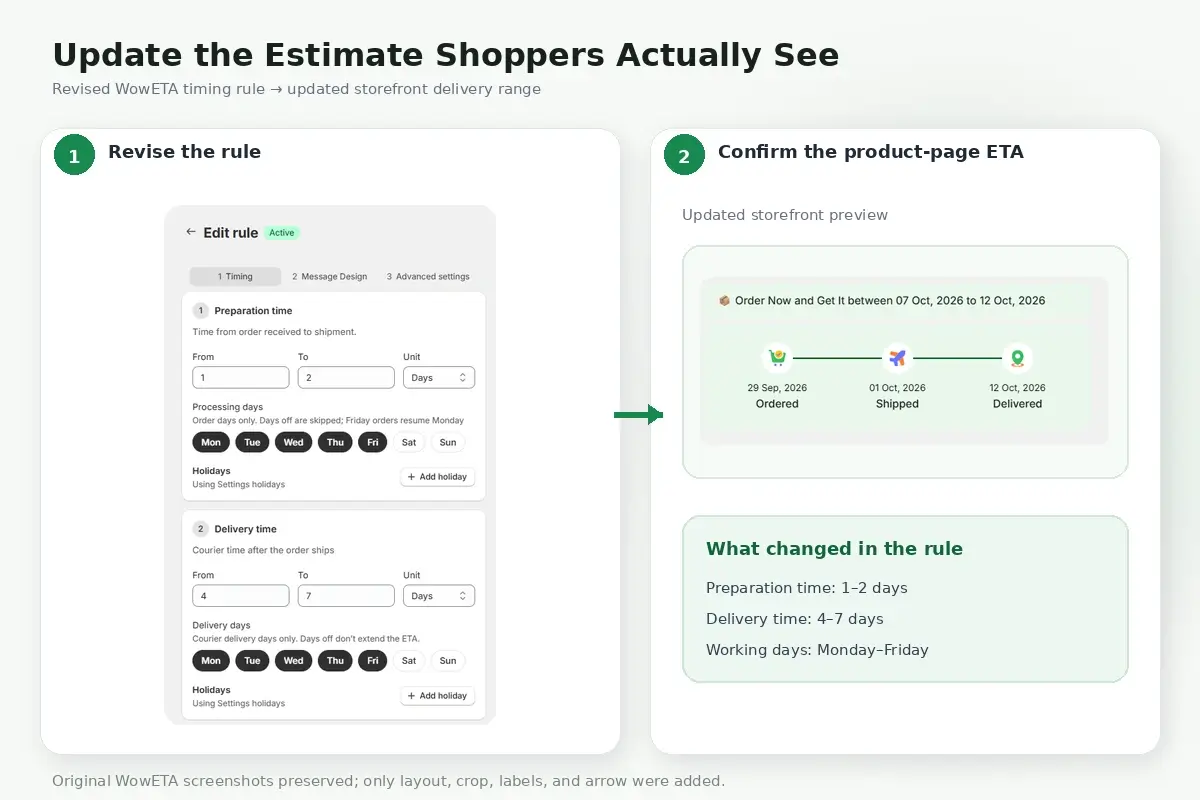
Your preferred delivery-date app should let you change the assumptions for affected products and preview the result. With WowETA Estimated Delivery Date, review the rule for the gift box or collection, then adjust the preparation and delivery ranges that no longer fit. WowETA supports rules for specific products, collections, and all products; choose the narrowest scope that matches the delay.
Next, check workdays and the daily cutoff. If a closure affects the calculation, note that WowETA's current App Store listing places Holidays and Vacations on a paid plan. Preview the date on a product page before and after the cutoff. The App Store listing describes display on other store pages for some paid plans, but inspect each enabled location in your own store before assuming all messages match.
Keep a record of what changed and when. A short note such as “gift box preparation range increased after the sale queue review” is enough to help support explain why a shopper saw a different date yesterday. It also gives the team a reminder to revisit the temporary change. Do not rewrite a past order's expectation as though the new estimate had always applied.
Know When to Return to the Normal Range
Do not restore the pre-sale estimate simply because the Black Friday promotion has ended. Use the same queue calculation: if fewer than 10 boxes are ahead of a new order and the team still packs 10 per working day, that new box may again fit the ordinary next-working-day preparation window. Confirm the capacity with the team, shorten that product's range, and check the result on its product page. A later Christmas closure may still extend the displayed date.
The ready-to-ship gift box and the personalized gift may return to normal on different days. That is a reason to review them separately. If you use a single collection rule, ask whether it still reflects the slowest relevant item; otherwise, a product-specific adjustment may better match the work. A useful review note records both the reason for extending the estimate and the observation that justified returning it to normal.
Close the Loop Before the Christmas Campaign
If the new range extends past a gift-buying deadline, update “order by” copy in banners and emails as well as the ETA. Keep the earlier customer promise on record for orders already placed; the revised estimate describes what a new shopper sees today.
WowETA gives you a way to show the revised window; the queue review tells you what the window should be. Make the two agree before the next promotion sends more shoppers to those product pages.