


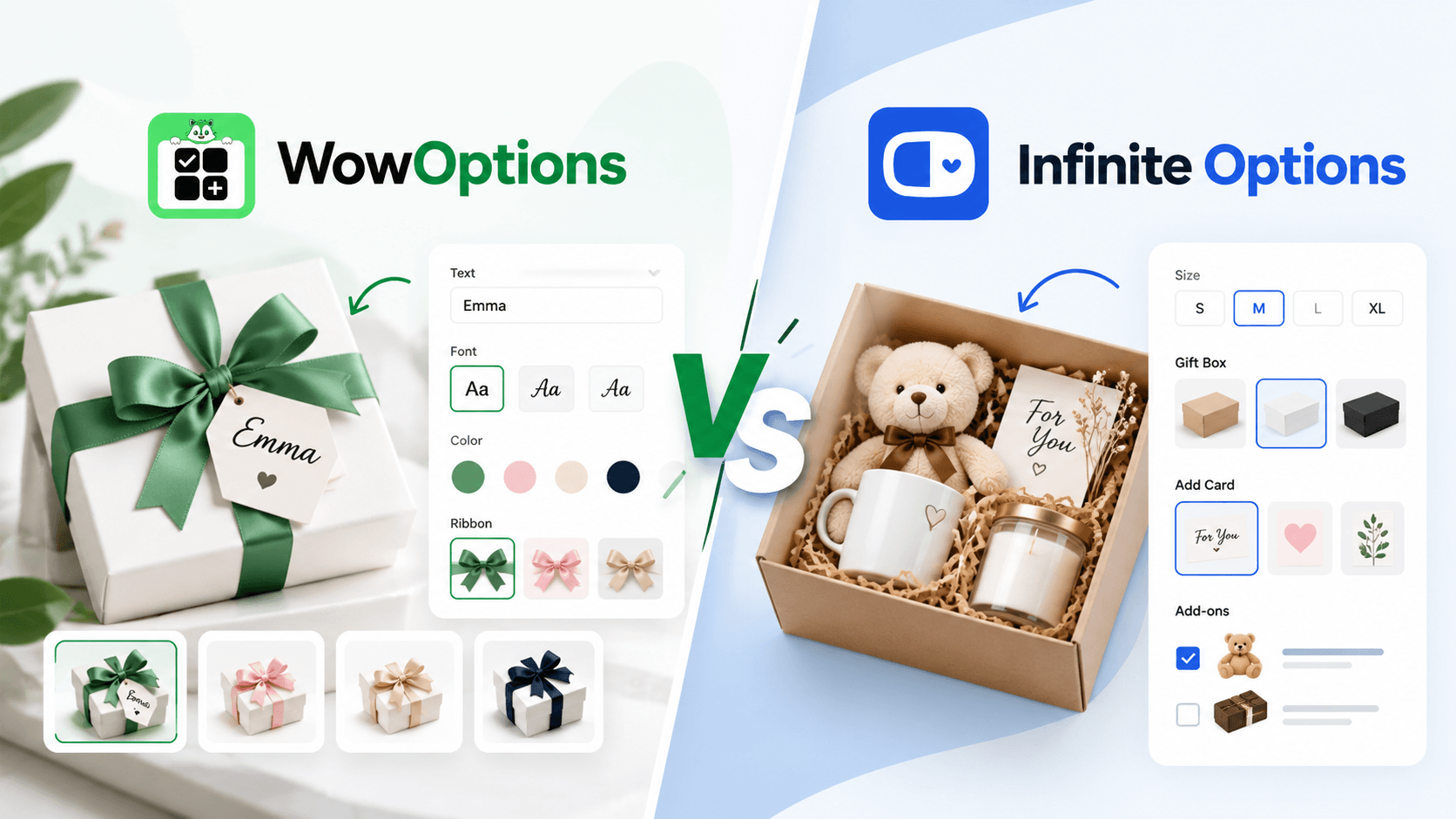
WowOptions vs Infinite Options is a practical comparison for Shopify merchants choosing a product-options app. Both apps support serious customization workflows, but they have different strengths.
Infinite Options is a long-established Built for Shopify app. It has 2,500+ reviews and lists integrations such as GemPages, Klaviyo, Recharge, MESA, Order Printer, and Uploadery. Its current Essential plan is $12.99/month.
WowOptions is newer. It offers a free plan and lower-cost paid tiers. Its $12.99/month Advanced plan adds 25+ option types, Advanced Conditional Logic, and Live Customizer.
The clearest functional difference is visual personalization. ShopPad’s documentation states that Infinite Options does not show a live preview directly on the product image. WowOptions Advanced is sold with a Live Customizer.
Infinite Options deserves a close look if you need mature product-option infrastructure, bundles, add-ons, and integrations. It may be a better fit when live visual personalization is not required. WowOptions is built around combining product options with a live personalizer.
Quick answers
What is the difference between WowOptions and Infinite Options?
WowOptions combines product options with a Live Customizer on its Advanced plan. Infinite Options is a more established options app focused on fields, swatches, add-ons, bundles, conditional logic, and listed integrations. That is a difference in emphasis, not proof that one app fits every store.
Which app is better for Shopify product options?
Neither app is universally better. WowOptions may fit a store that needs live visual personalization or wants to start with a free or lower-cost tier. Infinite Options may fit a store that values a longer public history, listed integrations, bundles, and add-on workflows. Test the hardest product, cart, and order scenario before deciding.
Can I use both WowOptions and Infinite Options together?
It may be technically possible, but using both on the same product can create duplicate or conflicting option interfaces and cart properties. It should generally be avoided unless you test the exact theme, product page, cart, checkout, and order data flow.
Is there a trial period for WowOptions?
The current source confirms a WowOptions Free plan. It does not establish a separate trial period, so verify the current app listing for any trial terms before publishing a claim.
What is the Live Customizer feature?
Live Customizer is WowOptions’ visual personalization feature. It is intended to show a customer’s selections, such as text or a design choice, in a live product preview. The current source lists it on the Advanced plan. Test the preview on your theme and product types before launch.
What is the Built for Shopify badge?
Built for Shopify is a Shopify program badge. It signals that an app meets Shopify’s stated standards for areas such as performance, design, and integration. It is useful context, but it does not prove that an app fits every store. Infinite Options currently has the badge; WowOptions’ current listing does not show it.
What are the limitations of WowOptions?
Based on the current source, WowOptions is newer, has a smaller public review base, and does not publish a comparable third-party integration list. Its listing also does not establish every feature or limit a store may need. Verify integrations, upload limits, theme behavior, cart data, and order data before migrating.
What are the customer reviews for WowOptions?
The current source describes WowOptions as having a small public review base. It does not provide a verified rating or a set of individual customer reviews. Check the live Shopify App Store listing for the latest review count, rating, and recent feedback.
How do I implement file uploads in these apps?
Create a file-upload option in the selected app, attach it to the relevant product or option set, and test the complete flow. Confirm that the file appears correctly in the cart, order admin, and fulfillment workflow. WowOptions publishes upload limits for its paid plans; the current Infinite Options plan table lists a file input but does not publish a comparable limit. Verify current limits before launch.
WowOptions vs Infinite Options at a glance
| Category | WowOptions | Infinite Options by ShopPad |
|---|---|---|
| Free plan | Yes | No ongoing free merchant plan shown; 14-day trial |
| Entry paid plan | Pro: $4.99/month | Essential: $12.99/month |
| Advanced compared plan | Advanced: $12.99/month | Essential: $12.99/month |
| Option types | 25+ on Advanced | Listing describes text, number, button, menu, date, file, checkbox, swatches and other flexible options rather than publishing one total count |
| Conditional logic | Advanced Conditional Logic on Advanced | Included on Essential |
| Paid add-ons | Supported | Included via add-on products / price changes |
| Bundles | Linked products and add-on workflows are listed by WowOptions; verify inventory needs separately | Product bundles with options are a core published capability |
| Color/image swatches | Yes | Yes |
| File upload | Yes; published limits on WowOptions paid plans | File input listed on Essential; no comparable App Store file-size limit published in the plan table |
| Live visual personalizer | Live Customizer on Advanced | ShopPad FAQ says no live preview directly on top of the product image |
| Built for Shopify badge | Not shown | Yes |
| Public history | Launched 2026; small review base | Launched 2015; 2,500+ reviews |
| Listed integrations | Checkout, Shopify Admin and product-options concepts | GemPages, Klaviyo, MESA, Order Printer, Recharge, Uploadery and more |
The two apps cost the same at $12.99—but they are not the same product
It is tempting to stop at the price comparison.
WowOptions Advanced: $12.99/month.
Infinite Options Essential: $12.99/month.
But the purchase logic is different.
WowOptions uses multiple tiers. A merchant can start free, move to Pro for $4.99, and use Advanced when 25+ option types, advanced logic, or Live Customizer are needed.
Infinite Options uses one current paid plan. Essential includes its product-option toolset, swatches, add-on products and price changes, product bundles with options, conditional logic, date/file/checkbox inputs, and support.
So the relevant question is not “which $12.99 plan has more bullets?” It is whether your store needs a visual personalizer or a mature options-and-bundles workflow.
Where WowOptions has the stronger fit
1. Live product personalization is built into the Advanced proposition
WowOptions’ current listing explicitly includes Live Customizer on Advanced.
That matters for products where the shopper benefits from seeing their input reflected visually, such as:
- engraved jewelry;
- personalized T-shirts;
- custom phone cases;
- pet tags;
- photo gifts;
- wedding gifts;
- monogrammed products.
ShopPad’s own FAQ answers the corresponding Infinite Options question directly: the app does not show a live preview directly on top of the product’s image.
That does not make Infinite Options weak. It makes the products different.
A merchant collecting “Engraving text: Sarah” may only need a reliable text field. A merchant selling a design-heavy necklace may want the shopper to see Sarah in the chosen font before adding the product to cart.
For that second experience, compare WowOptions with a dedicated personalizer—not just another fields app.
2. WowOptions has a free plan and a $4.99 step before Advanced
WowOptions Free currently offers 15+ option types with unlimited option sets and unlimited products. Pro is $4.99/month with 20+ option types and additional features such as product swatches, color picker, character limits, import/export, and file uploads.
Infinite Options currently lists a 14-day free trial, then $12.99/month.
For a small store that only needs gift messages, engraving fields, checkboxes, or swatches, the WowOptions free or Pro tier may be enough.
3. More of the personalization stack stays in one app
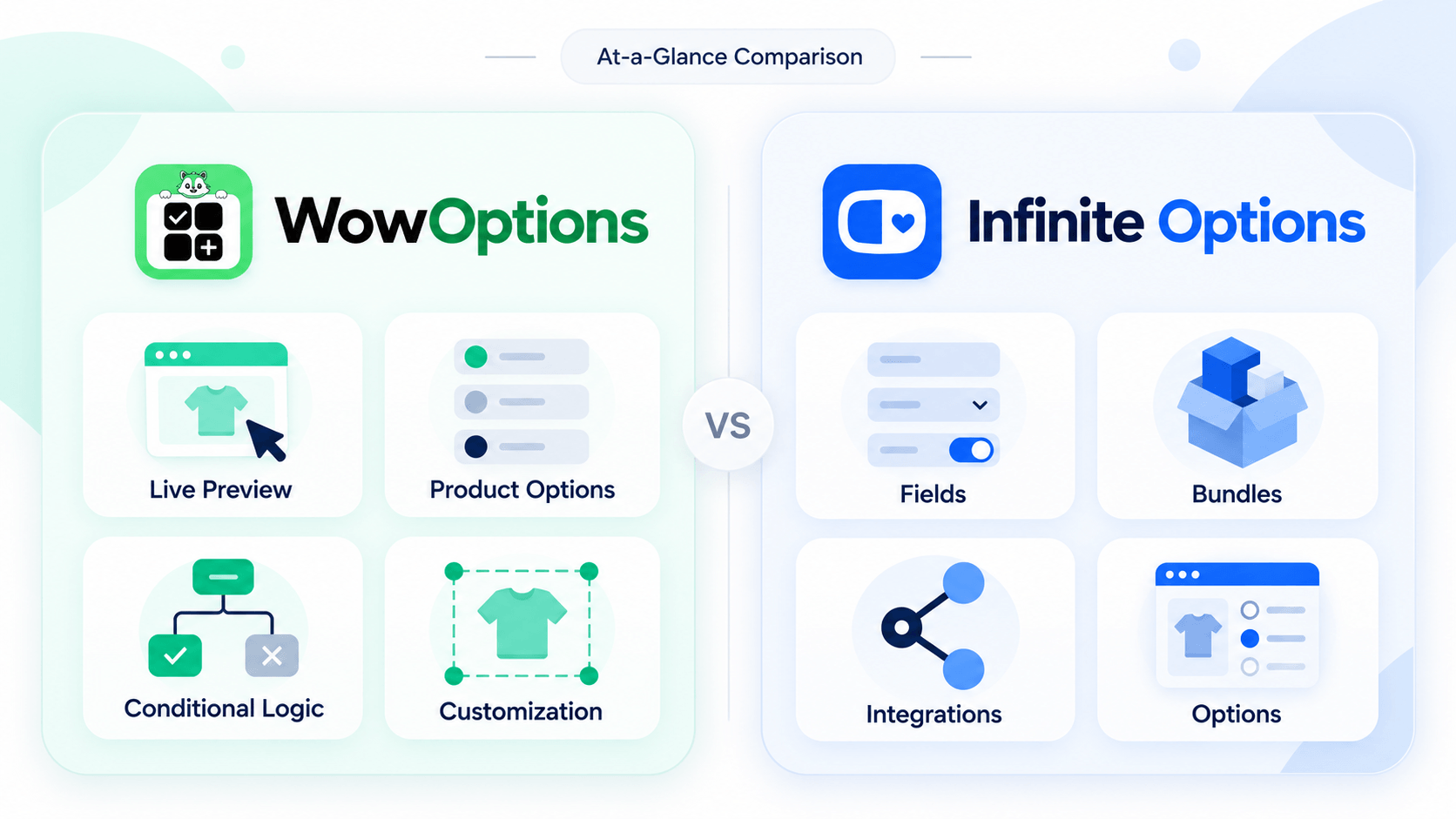
A live-personalization store often needs a combination of ordinary controls and visual controls:
- dropdown for product style;
- checkbox for add-on;
- font selector;
- customer text;
- upload;
- conditional logic;
- live rendering.
WowOptions is intentionally positioned as a custom product options app with live personalizer rather than as a field collector that must be paired with a separate visualizer.
Where Infinite Options has the stronger fit
1. It has more than a decade of public app history
Infinite Options launched in 2015, currently carries a Built for Shopify badge, and has more than 2,500 reviews. WowOptions launched in 2026 and has a much smaller public review base.
A mature public record can be valuable when a store owner wants to inspect years of merchant feedback, existing tutorials, support history, and third-party integration documentation before changing a revenue-critical product page.
2. The integration ecosystem is broader on the current listing
Infinite Options currently lists integrations with GemPages, Klaviyo, MESA, Order Printer, Recharge, and Uploadery, among others.
If one of those tools is already central to your store, compatibility can outweigh a feature-count advantage elsewhere.
For example, a subscription product running through Recharge may need a very different test plan from a one-time personalized gift.
WowOptions’ current listing does not publish a comparable third-party integration list, so merchants should not assume those integrations are equivalent.
3. Bundles and add-on products are a core part of Infinite Options’ current positioning
Infinite Options advertises product bundles with options and price-changing add-on products on the Essential plan. Its documentation explains a native bundling model where a paid option can connect to a Shopify product used to carry the price.
That can be useful for:
- gift wrap;
- extra accessories;
- service upgrades;
- package add-ons;
- build-a-box style option flows.
However, an option-based bundle is not automatically the same as a true inventory-tracked mix-and-match bundle. If each component must decrement its own stock, test that requirement specifically.
4. It is explicitly Built for Shopify
The Built for Shopify badge is a Shopify program signal for apps that meet Shopify’s stated standards for performance, design, and integration. Infinite Options currently has that badge. WowOptions’ current listing does not show it.
The badge is useful context, not proof that the app fits every catalog. A product-options workflow still needs storefront and order testing.
Conditional logic: both support it, but test your hardest rule
Imagine a custom sign product with these rules:
- if Mounting = Standoff, show standoff color;
- if Add logo = Yes, show file upload;
- if Rush production = Yes, add a fee;
- if Size = Large, hide one mounting method.
Both apps publish conditional logic. The real question is whether the conditions can depend on the exact sources your store uses—custom options, Shopify variants, pricing choices, or bundled products.
Recreate your most difficult rule before migrating.
File uploads: do not compare an undocumented limit
WowOptions publishes specific upload limits: Pro lists up to 15 files at 10 MB each, and Advanced lists up to 25 files at 20 MB each.
Infinite Options’ current App Store plan includes a file input, but its pricing table does not publish a directly comparable file-count or file-size allowance.
That means a responsible comparison should stop there. If file size is important to your production workflow, verify the current Infinite Options limit directly rather than filling the gap with an old support article or assumption.
What about image and color swatches?
Both apps support visual swatches.
Infinite Options documentation shows how to attach either a color or an image to an option value. WowOptions supports product swatches and dedicated image/color swatch controls across its paid feature set.
A swatch is useful when a thumbnail communicates the choice better than a word: fabric pattern, edge style, shape, finish, icon, or artwork preset.
But swatches do not necessarily change the main product image. That is exactly where a swatch selector and a live personalizer diverge.
See How to Add Image Swatches to Shopify Products and How to Add Color Swatches to Shopify Product Options for the implementation decisions.
Which app should you shortlist?
Consider WowOptions when
- you want to start on a free plan;
- a $4.99 intermediate tier is useful;
- visual product personalization matters;
- you want 25+ option types, advanced logic, and live customization in one current $12.99 plan;
- you are comfortable adopting a newer app.
Consider Infinite Options when
- a decade-long app history matters;
- Built for Shopify status matters to your evaluation;
- its listed third-party integrations match your stack;
- bundles and add-on products are central to the workflow;
- you need custom fields and conditional options but do not need a live visual preview on the product image.
A fair test product
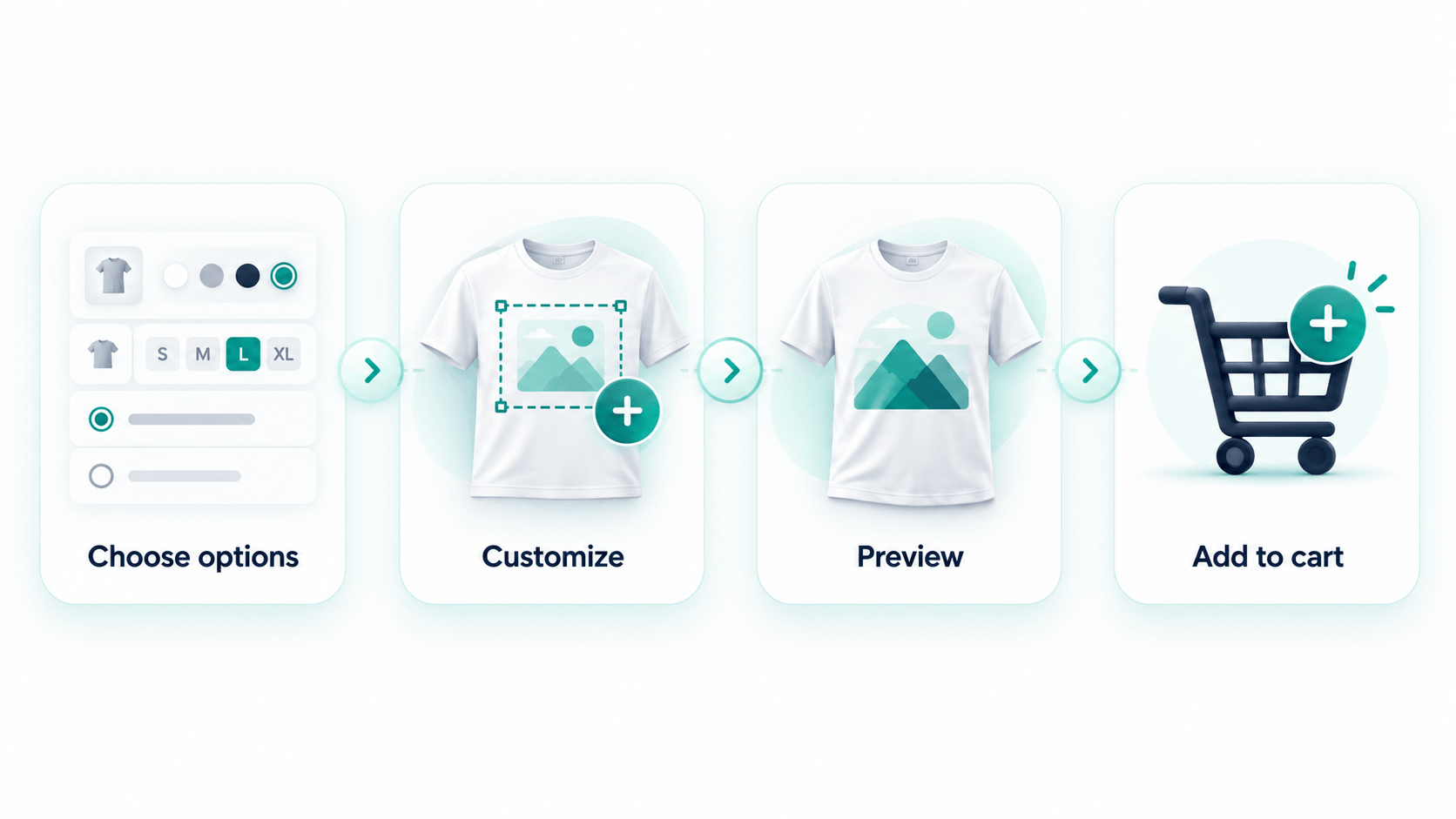
Use a product that exposes the real differences. For example, a personalized gift box could include:
- box color swatch;
- recipient name;
- gift message;
- paid greeting card;
- optional accessory product;
- conditional upload;
- a visual preview of the name on the box, if that matters to your store.
Run the test through mobile, cart, checkout, order admin, and fulfillment. If your workflow includes subscription apps, page builders, or custom cart drawers, include those too.
WowOptions vs Infinite Options: conclusion
Infinite Options is the more established product-options app today. It has a Built for Shopify badge, a long public history, thousands of reviews, documented integrations, and a strong focus on fields, add-ons, bundles, and conditional options.
WowOptions is the newer alternative. Its strongest current differentiation is that the $12.99 Advanced plan combines 25+ option types, Advanced Conditional Logic, and Live Customizer, with free and lower-cost tiers available before that.
If you do not need live visual personalization, the decision should focus on integrations, bundles, support history, and how each app stores your order data. If live preview is central to what you sell, include that requirement from the beginning rather than adding it after your product-options system is already built.