

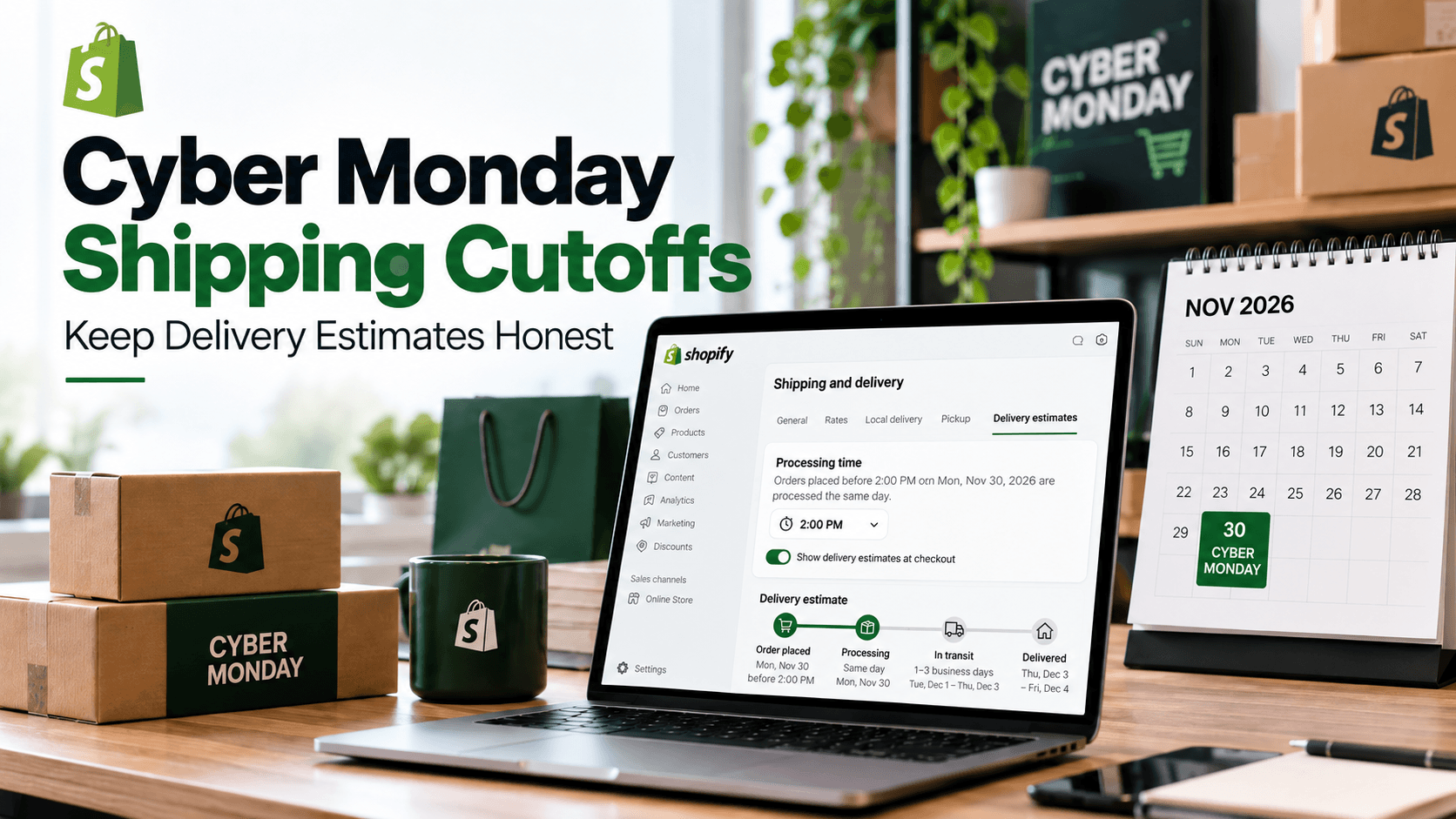
Your Cyber Monday discount might run until midnight. Your packing team may stop accepting same-day work at 2 p.m. Those are two different deadlines, and treating them as one can make a delivery message look more certain than your operation allows. Before the campaign starts, check what a shopper sees on each side of your order-processing cutoff.
Cyber Monday falls on November 30 in 2026, the Monday after Black Friday, according to Shopify's Cyber Monday guide. The date of the sale is fixed; your processing cutoff depends on your business.
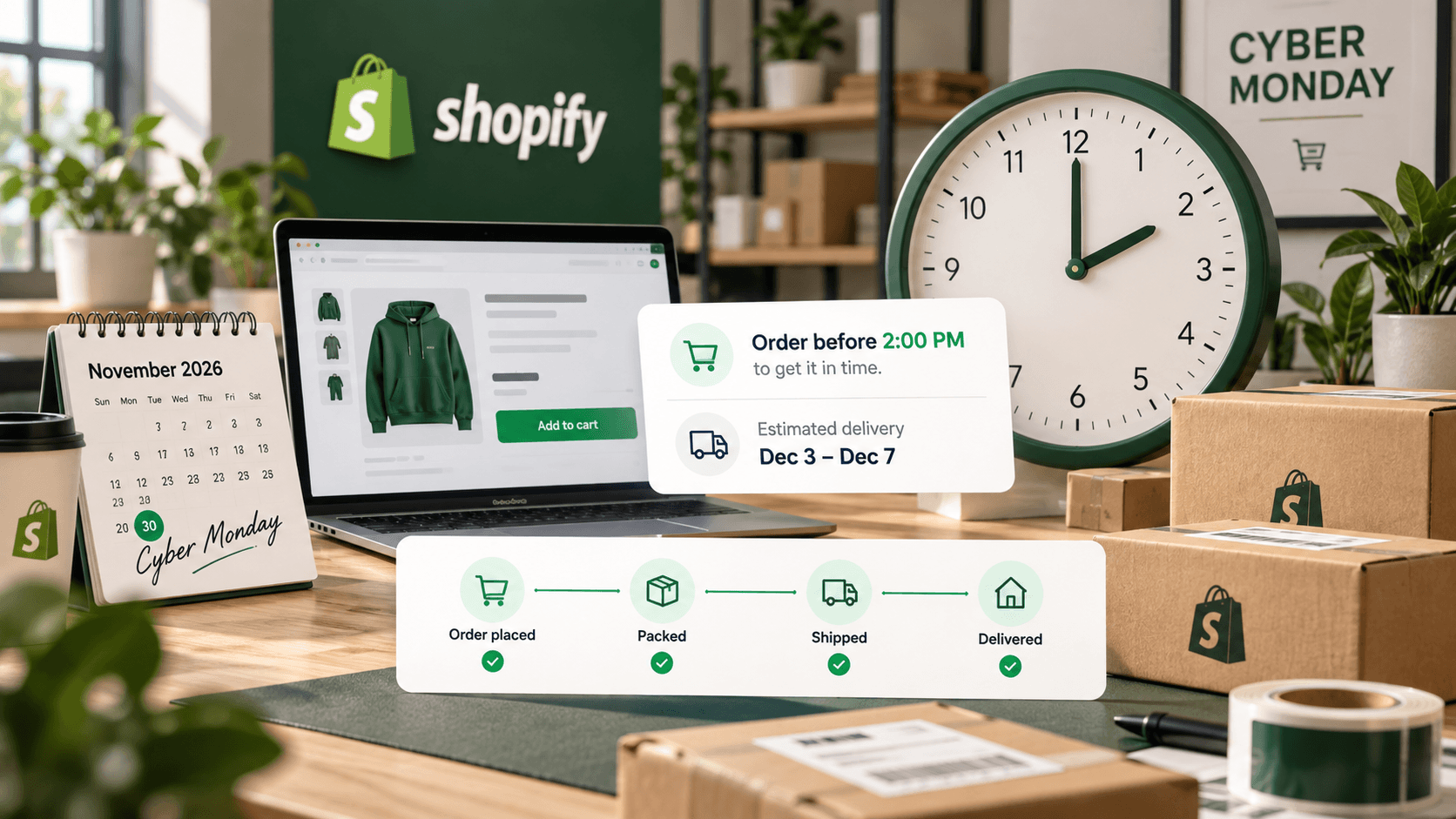
What Is a Shipping Cutoff, and Why Show Its Effect?
An order-processing cutoff is the time after which a new order starts preparation on a later working day. If your gift shop packs orders received by 2 p.m. on Monday, an order placed at 1:50 p.m. may enter Monday's queue. An order placed at 2:10 p.m. may enter Tuesday's. These are examples of a store policy, not promised shipping dates.
The difference matters because a shopper ordering a holiday gift wants to judge the arrival window, not just the sale price. Showing an estimate that reflects the actual queue gives them a more useful basis for choosing. It also helps your team avoid a product-page date that assumes every Cyber Monday order will be packed that day. A cutoff changes the start of preparation; it does not guarantee when a carrier will deliver.
Decide Which Time You Can Really Meet
Choose the cutoff from your staff schedule, packing capacity, and carrier pickup—not from the marketing email's end time. If pickup happens at 4 p.m., a 3:59 p.m. order may still be too late for your team to pick, pack, and label. Allow time for the whole process.
For one representative gift box, write down your normal preparation time, the sale-day preparation time you expect, and the delivery range for each shipping area. If the weekend's orders will still be in the queue on Monday, the Cyber Monday cutoff may need to be earlier, or the preparation range may need to be longer. Review that choice as orders arrive.
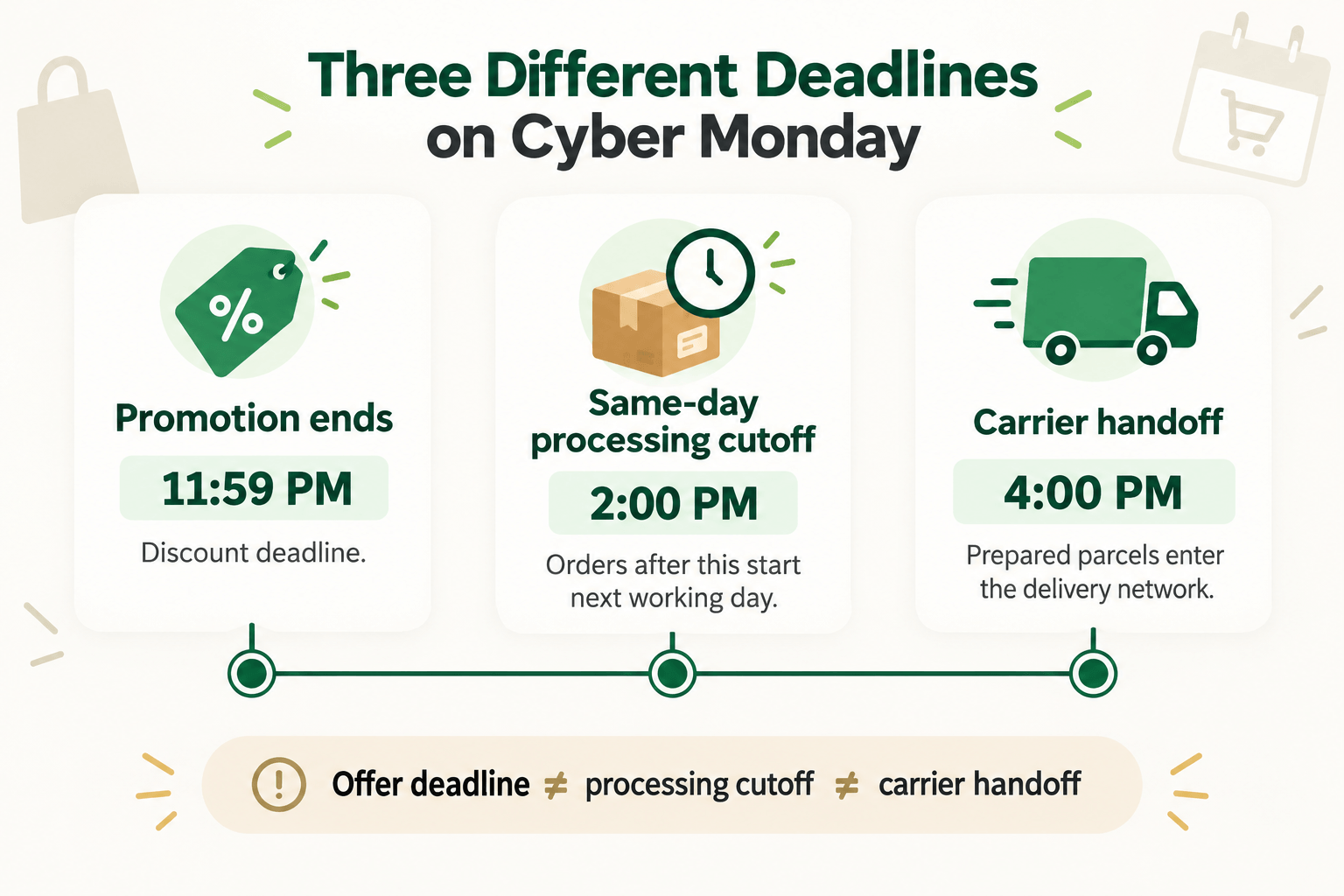
Watch for the three times shoppers may confuse
There is the offer deadline, which controls the discount; the order cutoff, which controls when your team begins work; and the carrier handoff, when a prepared parcel actually enters the delivery network. All three can fall on different days. A gift box ordered late Monday might qualify for the discount, start packing Tuesday, and reach the carrier Wednesday. State the relevant time beside the claim it explains.
If you serve shoppers in more than one time zone, say which time zone applies to the cutoff in your campaign copy. A 2 p.m. warehouse cutoff is not automatically 2 p.m. for every buyer. Check how the installed store or app displays time-sensitive messages before using “order in the next two hours” wording.
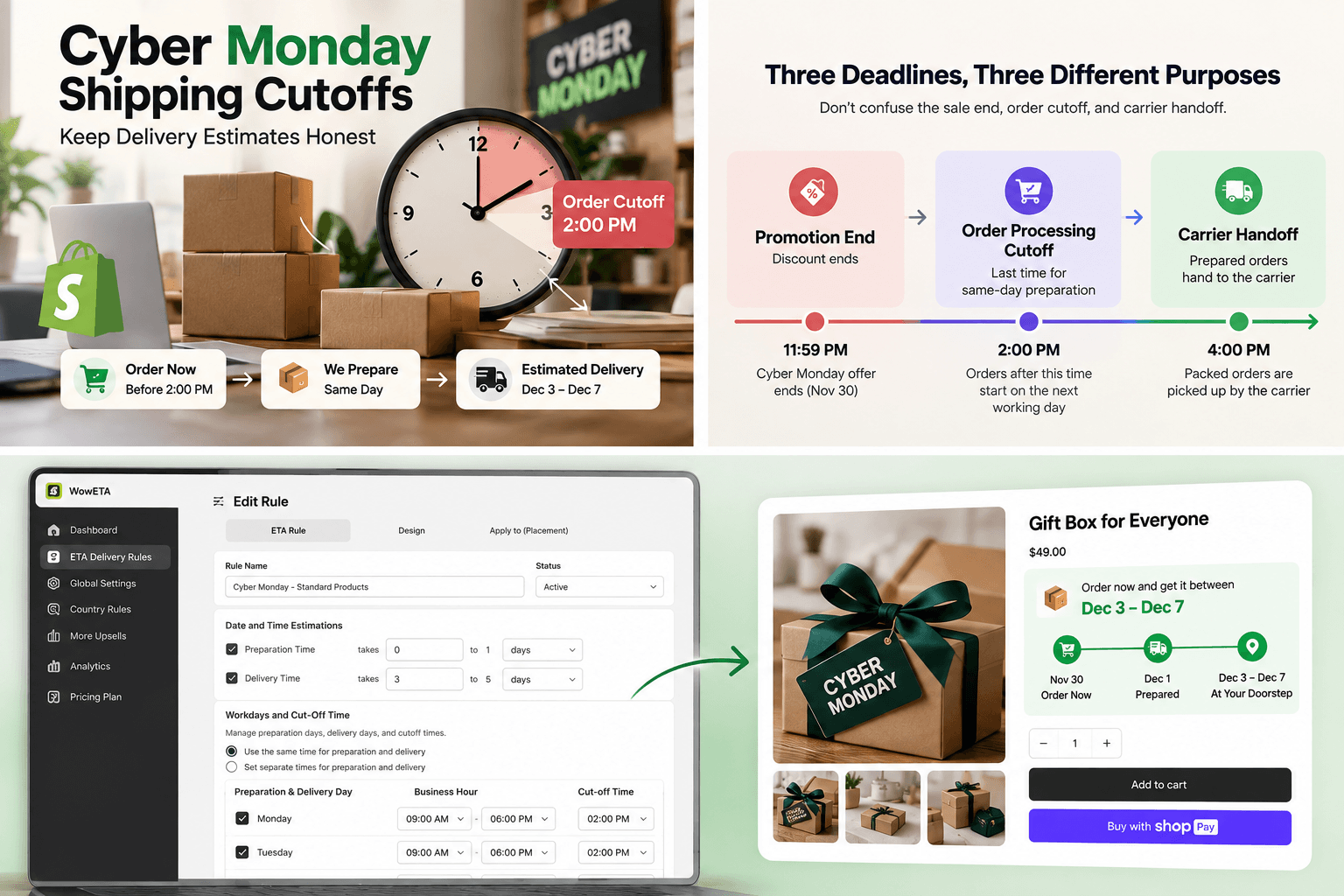
Step-by-Step Guide to Checking Your Cyber Monday Delivery Estimate
Your preferred delivery-date app should account for workdays and a daily cutoff. This example uses WowETA Estimated Delivery Date. Its current Shopify App Store listing includes workdays and cutoff time on the Free plan. A countdown timer appears on a paid plan, so the date check below does not depend on a timer.
1. Match the cutoff to your packing schedule
Review the workdays and cutoff in WowETA, then compare them with the time your team can actually begin preparing the last same-day order. Do not extend the cutoff just because the discount remains live later. The cutoff is intended to move later orders to the following working day; confirm the resulting estimate on your product page.
2. Check the product's preparation and delivery ranges
Open the delivery rule for the gift box and inspect its preparation and delivery time. If that item needs extra assembly, do not use the same short range as a ready-to-ship item. WowETA documents rules for specific products, collections, or all products.
3. Preview both sides of the cutoff
Before the campaign, test an order time just before your cutoff and another just after it in an authorized test store. Check the date shown on the product page for a destination you serve. The later order should not rely on same-day processing if your team will not provide it. Repeat the check if you change your working hours during the sale.
Here is an illustrative expectation for the same gift box and destination. Assume your team hands off Monday orders placed before 2 p.m. that day, hands off later orders on Tuesday, and the selected carrier takes three to five further working days with no closures. A Monday, November 30 order at 1:50 p.m. would be handed off Monday and have an illustrative December 3–7 arrival range. At 2:10 p.m., handoff moves to Tuesday, so the illustrative range moves to December 4–8. The exact WowETA display must be checked in the installed store; these dates are a way to spot a setting that still assumes Monday handoff after 2 p.m.
Test one more edge case: an order placed after the cutoff on the last working day before a closure. Its preparation may start later than the ordinary next-day example. This matters when Cyber Monday orders flow into a week with limited staffing or a local holiday. Keep the product and destination the same for the two previews so that the cutoff is the main difference you are examining.
Keep the Two Deadlines Clear in Campaign Copy
A useful message might say, “Cyber Monday offer ends tonight. Orders placed after our 2 p.m. processing cutoff begin preparation on our next working day.” Use the time and wording only if they match your actual schedule. The discount end and the processing cutoff can sit in the same email without being presented as the same promise.
If a countdown appears beside the estimated date, make its meaning explicit: is it counting down to your order cutoff or to the end of the promotion? Those are different customer decisions. WowETA can help display timing, but the best last check is still the date a shopper sees just after your real cutoff.
When the order queue grows, do not solve the mismatch by moving only the cutoff. Review the preparation range too. A cutoff that correctly rolls late orders to Tuesday can still produce an optimistic arrival if Tuesday's packing capacity is already full. Ask the fulfillment team when a new order can genuinely begin, update the rule, and preview the product page again.
If the Cutoff Changes During the Sale
Sometimes the team needs to stop same-day preparation earlier than planned. Treat that as a customer-message change, not only an admin setting change. Read the product page, sale banner, and active email template after changing the rule. If an email already sent a stronger promise, the team may need a clear response for customers who ordered under that earlier expectation. Do not imply a new estimate retroactively changed what those customers saw.
Record the time the cutoff changed and the products affected. This helps your support and fulfillment teams give consistent answers without inventing a universal shipping deadline. Once the rush eases, return to the normal cutoff only after the team can accept new same-day work again. A countdown that looks urgent is useful only when the deadline it represents is real.