

Managing delivery from a Shopify store sounds simple at first. A customer places an order, you send it out, and everyone is happy.
But once orders start growing, delivery can get messy fast.
You may need to plan routes, assign drivers, offer delivery time slots, validate customer addresses, calculate rates by zip code, send tracking updates, or show accurate delivery dates before checkout. Doing all of that manually can take a lot of time and lead to late deliveries, wrong addresses, and unhappy customers.
That is where Shopify delivery apps help.
The right app can make your delivery process smoother for your team and clearer for your customers. In this guide, we will look at the best delivery apps for Shopify in 2026, including tools for local delivery, route planning, on-demand delivery, delivery rates, pickup points, address validation, and estimated delivery dates.
TL;DR: Best Shopify Delivery Apps in 2026
If you want a quick answer, here are the best Shopify delivery apps based on different use cases:
|
Shopify App |
Best For |
|
EasyRoutes Local Delivery |
Local delivery and route optimization |
|
Local Delivery - LionWheel |
Local delivery with in-house and third-party courier options |
|
Lalamove: Deliver Faster |
On-demand and scheduled delivery |
|
WowETA - Estimated Delivery Date |
Estimated delivery dates and ETA messaging |
|
Address Ninja - Validation |
Address validation and delivery accuracy |
|
Zapiet - Rates by Zip Code |
Delivery and shipping rate management |
|
ShipD Labels & Pickup Points |
Pickup points and shipping labels |
Why Shopify Stores Need Delivery Apps
Customers put great emphasis on product deliveries. They want to know if you deliver to their area, how much it will cost, when the order will arrive, and whether they can track it.
If that information is missing or unclear, many shoppers will leave before buying.
A good Shopify delivery app helps you:
-
Reduce manual delivery work
-
Avoid wrong or incomplete addresses
-
Offer delivery dates and time slots
-
Plan faster routes for drivers
-
Send tracking updates to customers
-
Prevent overbooking during busy days
-
Improve the post-purchase experience
For small stores, this can save hours each week. For growing stores, it can prevent delivery operations from becoming a daily headache.
Key Features to Look For in a Shopify Delivery App
Before choosing an app, think about how your store actually delivers orders. A bakery, florist, grocery store, fashion brand, and furniture store may all need delivery, but they usually need different workflows.
Here are the main features to look for:
Delivery Rules and Scheduling
Look for apps that let you set delivery zones, service areas, delivery days, time slots, order limits, cut-off times, and blackout dates. This is especially useful if you offer same-day or local delivery.
Route Optimization
If you use your own drivers, route optimization can save time, fuel, and effort. It helps drivers follow the most efficient path instead of manually figuring out every stop.
Customer Notifications
Customers should not have to contact you just to ask, "Where is my order?" Automated email, SMS, or WhatsApp updates can keep them informed with delivery status, tracking links, and ETAs.
Proof of Delivery
Proof of delivery helps confirm that an order reached the customer. This can include photos, signatures, delivery notes, or timestamps.
Address Validation
A small address mistake can create a big delivery problem. Address validation helps catch missing house numbers, invalid postcodes, unsupported regions, or formatting issues before the order is placed.
Delivery Rate Control
If delivery costs vary by distance, zip code, order value, or weight, you need an app that can calculate rates accurately. This helps protect your margins.
Pickup Point Support
For some stores, especially in Europe, pickup points are a convenient alternative to home delivery. Customers can choose a nearby pickup location instead of waiting at home.
Shopify Built-In Delivery vs. Dedicated Delivery Apps
Shopify has built-in local delivery features, and they can work well for simple stores.
If you only need basic local delivery zones and your order volume is low, Shopify's native tools may be enough to start.
But dedicated delivery apps give you more control.
|
Feature |
Shopify Built-In Delivery |
Dedicated Delivery App |
|
Basic local delivery |
Yes |
Yes |
|
Advanced delivery zones |
Limited |
Yes |
|
Date and time slots |
Limited |
Yes |
|
Route optimization |
No |
Yes |
|
Driver assignment |
No |
Yes |
|
Proof of delivery |
No |
Yes |
|
Advanced notifications |
Limited |
Yes |
|
Address validation |
Limited |
Yes |
|
Pickup point selection |
No |
Yes |
In short, Shopify's built-in features are good for getting started. But if delivery is a major part of your business, a dedicated app will usually give you a smoother and more scalable setup.
Top Delivery Apps for Shopify You Should Use in 2026
In this section, we will dive deep into delivery apps from different categories that help supercharge your Shopify store. We will discuss each app's capabilities and key features, so you can easily identify which tools are needed for your business.
🚚 Local Delivery & Route Optimization Apps
EasyRoutes Local Delivery
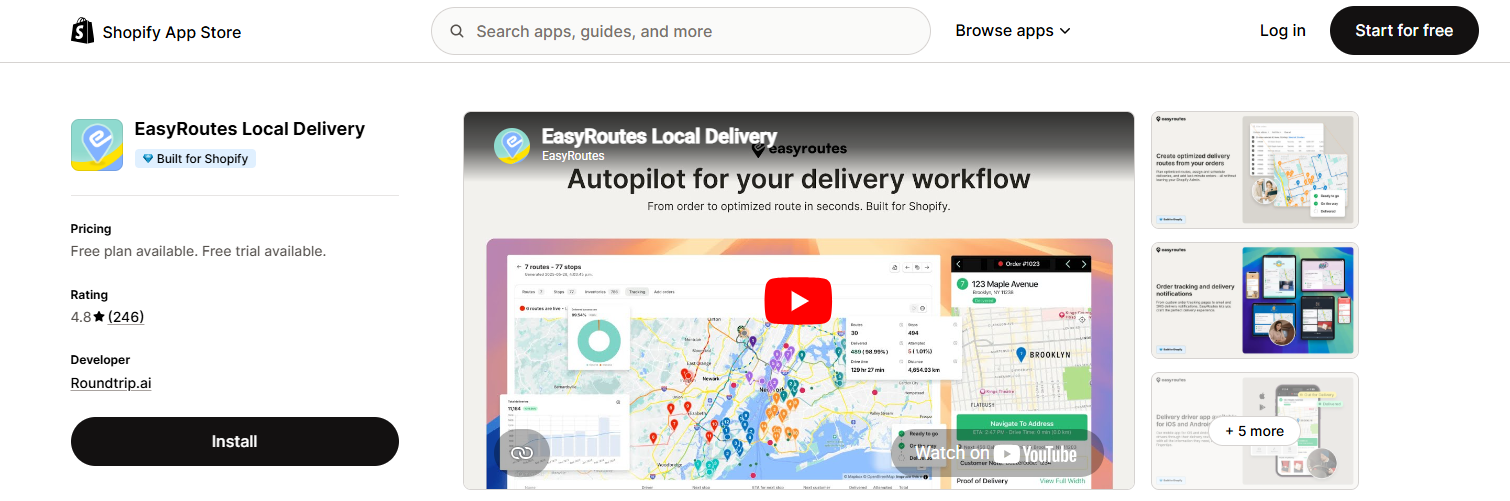
EasyRoutes Local Delivery is a route planning and delivery management app built specifically for Shopify merchants that handle local deliveries.
It helps you plan delivery routes, assign drivers, track orders, and manage proof of delivery from one place. Instead of copying orders into spreadsheets or sending routes manually, you can create optimized delivery plans directly from your Shopify orders.
The app is especially useful for stores that use their own drivers. For example, florists, bakeries, grocery stores, meal prep brands, and local retailers can use EasyRoutes to manage multiple stops more efficiently.
Customers also get a better experience because they can receive live tracking links and delivery notifications. That means fewer “Where is my order?” messages for your support team.
Key Features
-
Route optimization with auto-generated delivery plans
-
Driver app for iOS and Android
-
Live delivery tracking
-
Email and SMS notifications
-
Proof of delivery with photos, signatures, and notes
-
Delivery scheduling and time windows
-
Route automation
-
Advanced analytics and reporting
Local Delivery - LionWheel
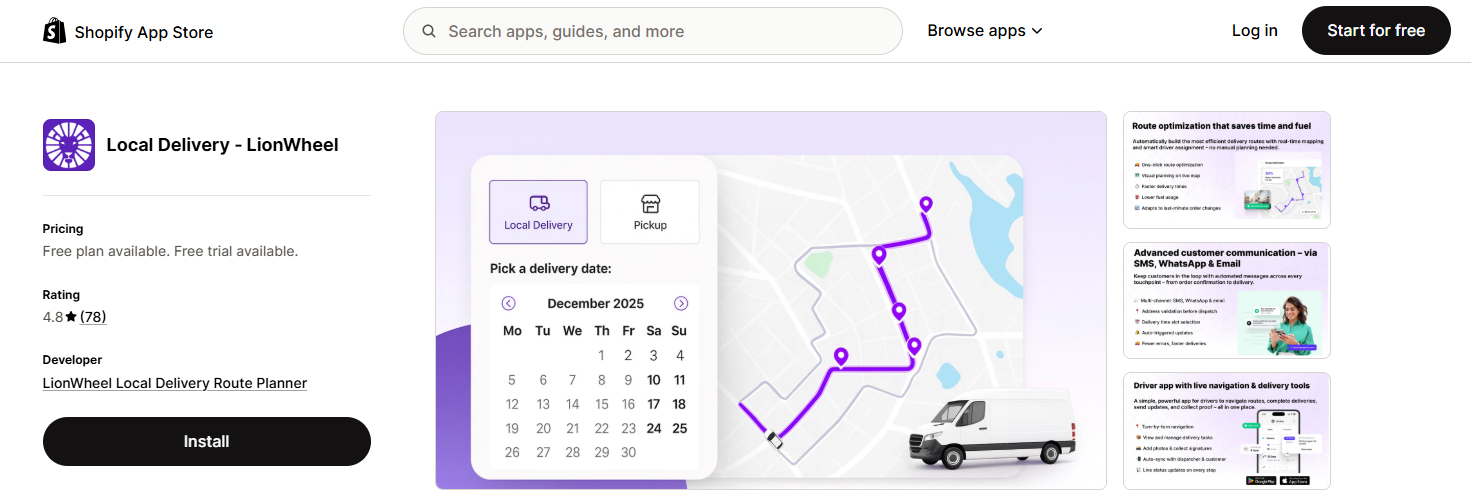
Local Delivery - LionWheel is an all-in-one local delivery and route planning app for Shopify stores.
It helps merchants create optimized routes, manage pickups and deliveries, track drivers, and let customers choose delivery or pickup times at checkout.
One of the most useful things about LionWheel is its flexibility. You can use it for your own delivery team, but it also integrates with third-party delivery services like Uber, DoorDash, and Grubhub. This makes it a strong option for stores that want to combine in-house delivery with external couriers.
For example, you might use your own drivers for nearby orders and rely on third-party delivery partners when your team is too busy or when an order is outside your normal delivery range.
Key Features
-
One-click route optimization
-
Delivery and pickup time selection at checkout
-
Driver app with GPS tracking
-
Navigation tools for drivers
-
Proof of delivery with signature and photo
-
SMS, WhatsApp, and email notifications
-
Integrations with Uber, DoorDash, and Grubhub
⚡ On-Demand Delivery Platform Apps
Lalamove: Deliver Faster
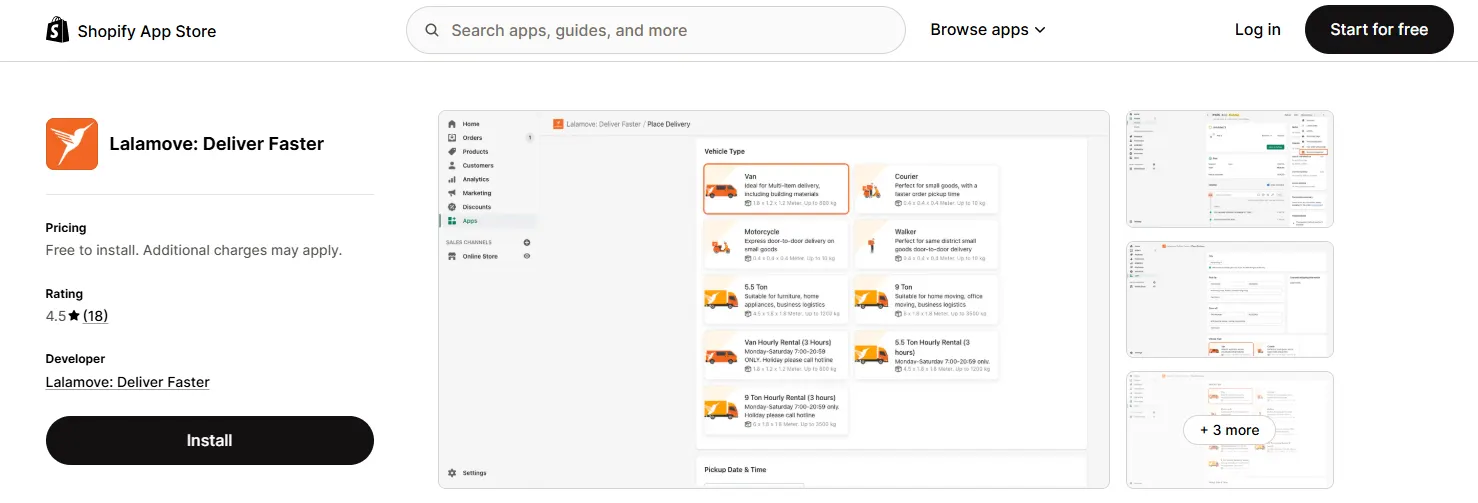
Lalamove is an on-demand delivery platform that connects Shopify merchants with a large network of drivers and vehicles.
Instead of managing your own fleet, you can book deliveries as needed. This makes Lalamove useful for stores that want fast delivery without hiring drivers or buying vehicles.
You can use it for instant delivery or schedule deliveries in advance. Depending on what you sell, you can choose from different vehicle types, such as motorcycles, vans, or trucks.
This is helpful for stores with changing delivery needs. A small item may only need a bike courier, while a larger order may need a van or truck.
Key Features
-
24/7 on-demand delivery
-
Scheduled delivery options
-
Multiple vehicle types, from bikes to trucks
-
Real-time tracking with shareable links
-
Pay-per-delivery pricing
-
Professional driver network
-
Easy order placement from Shopify
⏱️ Delivery Accuracy
WowETA - Estimated Delivery Date
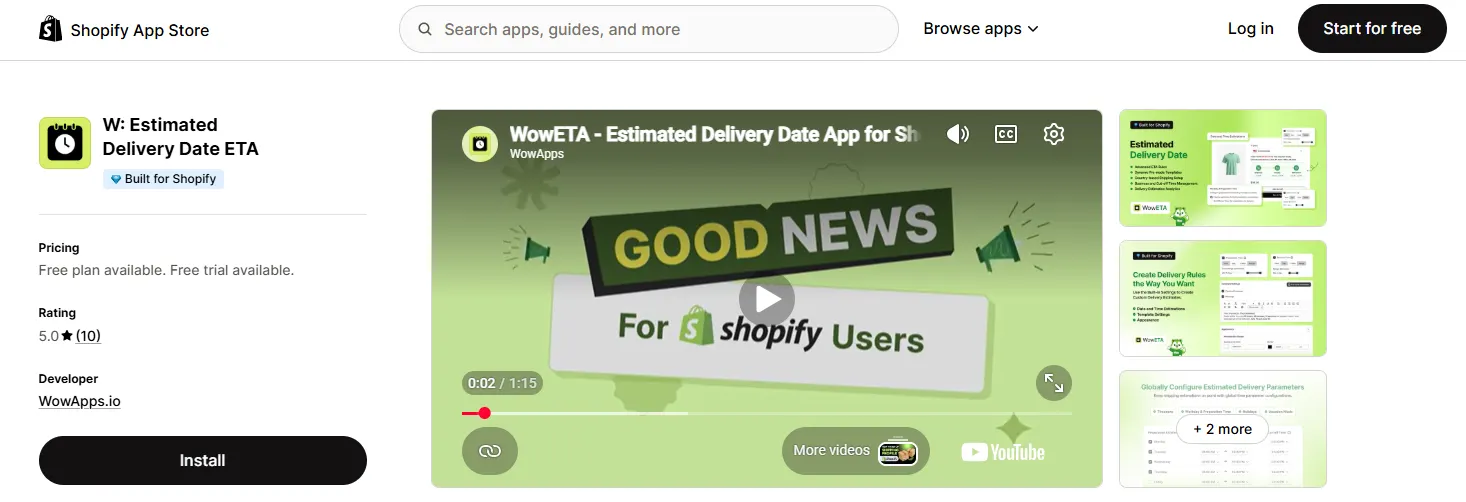
WowETA helps Shopify merchants show estimated delivery dates and shipping times across the store.
This is useful because customers often want to know when an order will arrive before they buy. If they cannot find that information, they may hesitate or abandon the cart.
With WowETA, you can show delivery estimates on product pages, cart pages, and checkout pages. You can also set business days, cut-off times, holidays, and location-based delivery rules.
The app can also create urgency with countdown timers, such as showing customers how long they have left to order for delivery by a certain date.
Key Features
-
Shows estimated delivery dates across the store
-
Supports product, cart, and checkout pages
-
Business hours, cut-off times, and holiday settings
-
Location-based delivery rules
-
Countdown timers
-
Custom delivery messages and templates
-
Multi-language support
-
Full customization options
Address Ninja - Validation
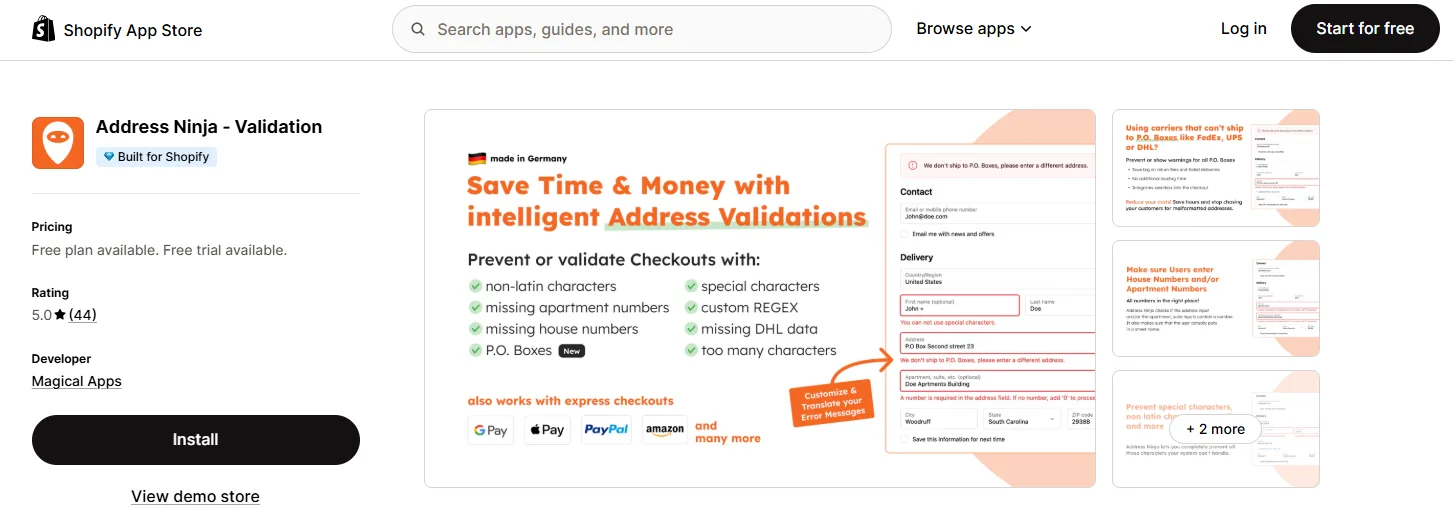
Address Ninja helps prevent failed deliveries by validating customer addresses at checkout.
This may sound like a small detail, but addressing mistakes can be expensive. A missing house number, wrong postal code, invalid character, or unsupported delivery region can lead to delays, returned packages, carrier fees, and frustrated customers.
Address Ninja blocks incomplete or incorrect addresses before the order is submitted. It can also support advanced validation rules, including region restrictions, PO box blocking, and country-specific formats.
This is useful for almost any Shopify store that ships physical products.
Key Features
-
Blocks incomplete or incorrect addresses
-
Validates postal codes
-
Restricts unsupported regions
-
Prevents PO boxes and invalid formats
-
Blocks special characters, non-Latin characters, and emojis
-
Supports custom validation rules with regex
-
Works with PayPal, Apple Pay, and Google Pay
Pickup Delivery Date Pickeasy
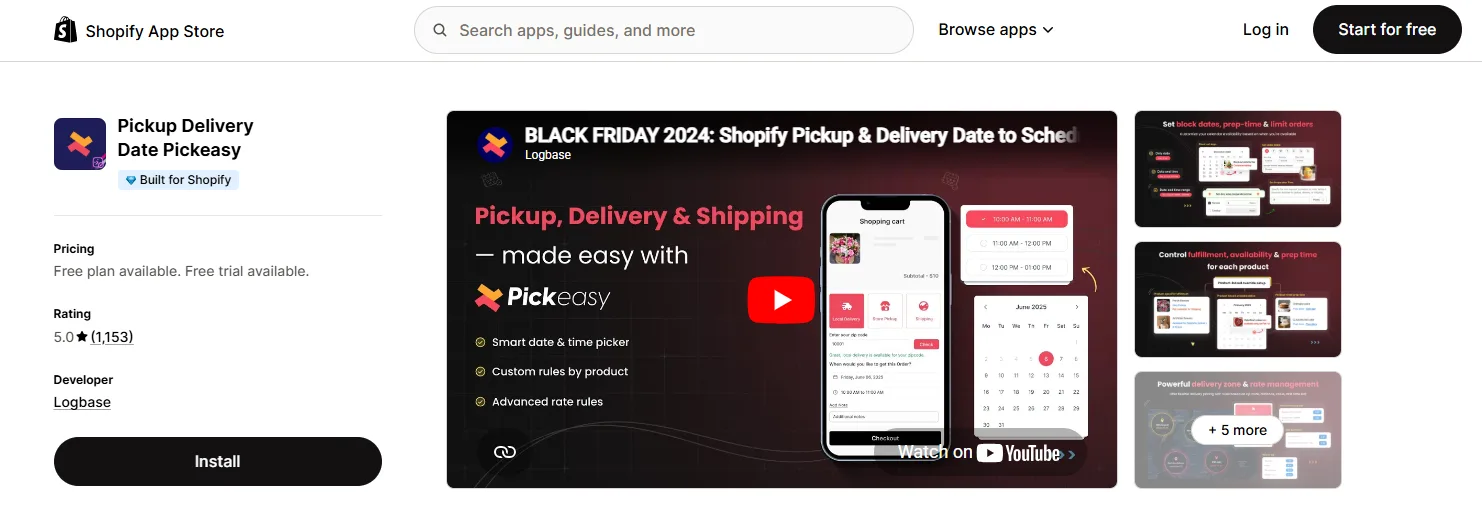
Pickup Delivery Date Pickeasy is a delivery date and time picker app for Shopify stores that offer pickup, local delivery, or scheduled fulfillment.
Pickeasy gives customers more control by letting them choose a preferred delivery or pickup date and time. This is especially useful for stores that need to manage preparation time, delivery capacity, and busy periods.
For example, bakeries, florists, grocery stores, restaurants, and local retailers can use Pickeasy to set cutoff times, block holidays, limit the number of orders per time slot, and manage different delivery rules by location or product.
It also helps prevent overbooking. Instead of accepting too many orders for the same day or time window, you can set limits based on what your team can actually handle.
Key Features
-
Delivery and pickup date picker
-
Time slot selection for customers
-
Preparation time and cutoff time settings
-
Holiday and blackout date controls
-
Order limits by time slot or day
-
Product-based pickup and delivery rules
-
Multi-location delivery and pickup setup
-
Custom delivery charges
📦 Shipping & Pickup Points Apps
Zapiet - Rates by Zip Code
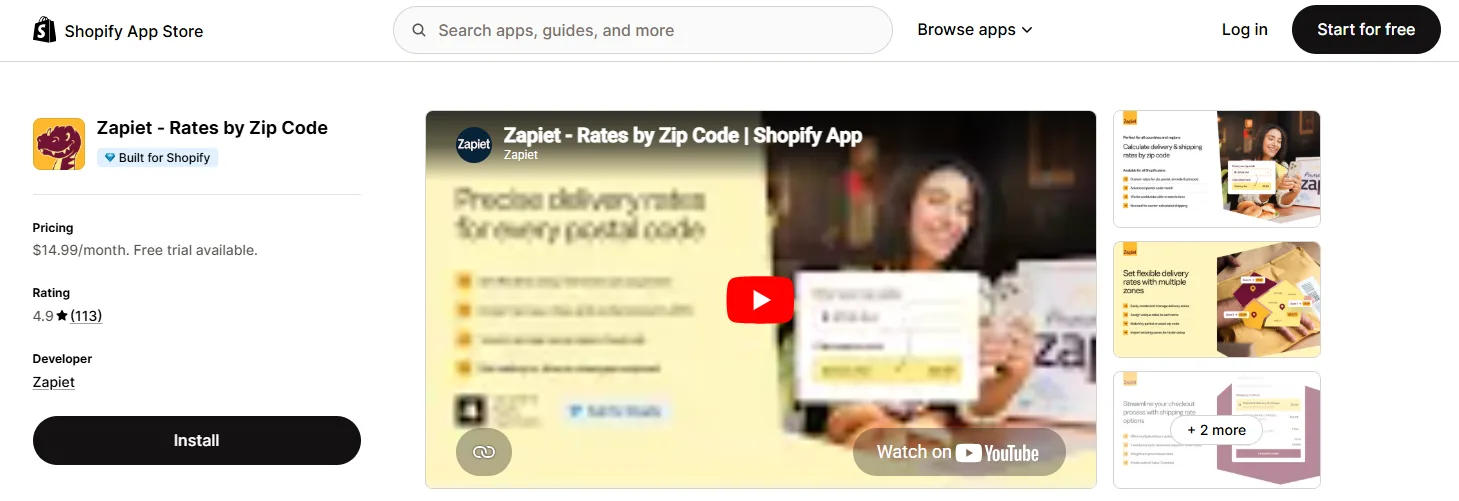
Zapiet - Rates by Zip Code helps Shopify merchants calculate delivery and shipping rates based on customer location.
This is important because delivery costs are not always the same for every customer. A nearby delivery may be cheap, while a delivery across town may cost much more. If you charge one flat rate for everyone, you may lose money on certain orders.
With Zapiet, you can set rates based on zip codes, postal codes, order weight, order value, or customer location. This gives you more control over what customers pay at checkout.
Key Features
-
Delivery pricing based on zip or postal codes
-
Tiered pricing by weight, order value, or location
-
Advanced postal code matching
-
Multi-language support
-
Works with local delivery setups
-
Easy rule configuration
ShipD Labels & Pickup Points
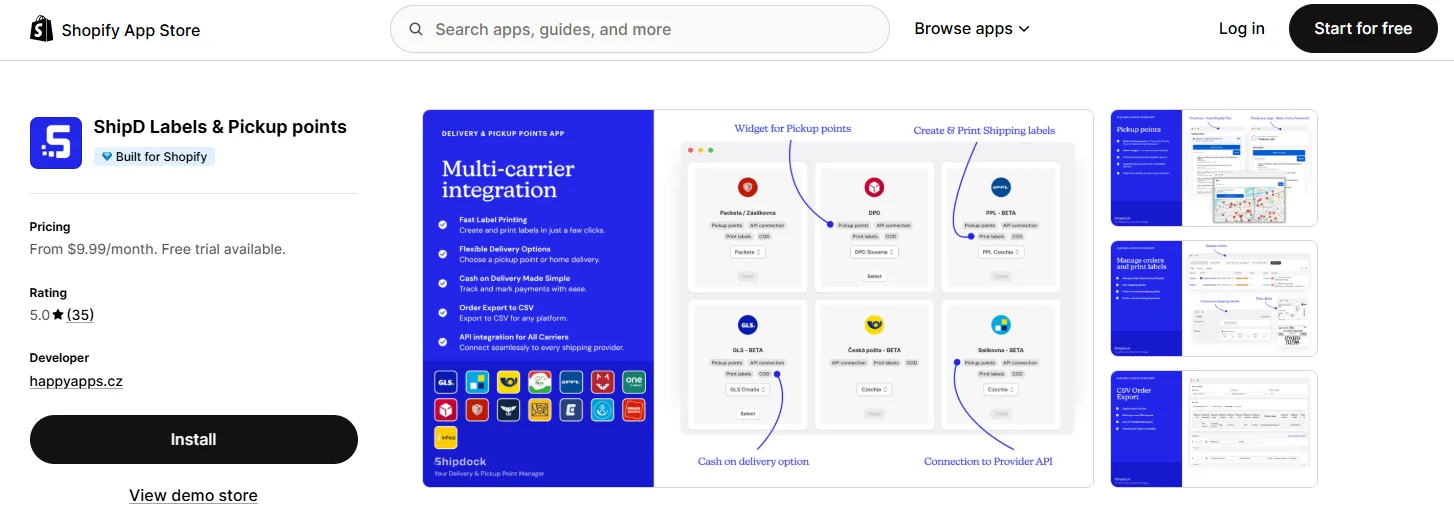
ShipD Labels & Pickup Points is a shipping app focused on carrier labels and pickup point delivery, especially for European merchants.
It lets customers choose a pickup point from an interactive map at checkout or on the thank-you page. This gives shoppers more flexibility because they can collect orders from a nearby location instead of waiting for home delivery.
The app also helps merchants generate shipping labels, manage orders, and export shipment data. It integrates with major European carriers such as DPD, GLS, and Packeta.
For stores in markets where pickup point delivery is common, this can make fulfillment easier and more convenient for customers.
Key Features
-
Pickup point selection with an interactive map
-
Shipping label generation and printing
-
Integrations with DPD, GLS, and Packeta
-
Automated parcel creation after fulfillment
-
CSV export for order management
-
Cash on delivery tracking
Quick Setup Checklist for Shopify Delivery
Before installing a delivery app, it helps to define your rules first.
Use this checklist:
1. Decide which locations you deliver to
2. Set delivery zones, zip codes, or service areas
3. Choose whether you will offer same-day, next-day, or scheduled delivery
4. Set cut-off times for same-day orders
5. Apply vacation mode for holidays or busy periods
6. Decide if you need a minimum order value for delivery
7. Set delivery fees based on distance, zip code, weight, or order value
8. Decide whether you need driver tracking or proof of delivery
9. Add customer notifications for delivery updates
10. Test the full checkout and delivery flow before going live
Summing Up
Shopify delivery apps help stores make shipping and local fulfillment easier to manage, especially as order volume grows. They can save time by automating route planning, delivery scheduling, rate calculation, pickup options, and customer notifications.
In addition, these tools also improve the buyer experience with clear delivery expectations and fewer shipping mistakes.
That said, there is no single best Shopify delivery app for every store. The right choice depends on what problem you need to solve.
If you want a quick recommendation, EasyRoutes and LionWheel are great for local delivery and route planning, Lalamove works well for on-demand delivery, Zapiet helps control delivery rates, and WowETA is a strong choice for showing estimated delivery dates and building customer confidence before checkout.
FAQs About Shopify Delivery Apps
What is a Shopify delivery app?
A Shopify delivery app is a tool that helps merchants manage delivery-related tasks such as local delivery, route planning, delivery rates, address validation, pickup points, tracking, and estimated delivery dates.
Do I need a delivery app if Shopify already has local delivery?
Not always. Shopify's built-in local delivery features may be enough for simple stores. But if you need time slots, route optimization, proof of delivery, advanced rate rules, address validation, or better customer notifications, a dedicated app is usually better.
Can I use more than one delivery app on Shopify?
Yes, but be careful. Using multiple apps can be helpful if each one solves a different problem. For example, you might use one app for route planning and another for delivery estimates. Just make sure their rules do not conflict at checkout.
Do delivery apps improve your conversion rate?
Yes, delivery apps can significantly improve your conversion rate when used correctly. Features like estimated delivery dates, delivery time slots, real-time tracking, and clear shipping costs reduce uncertainty and build trust with customers. When shoppers know exactly when their order will arrive and how much delivery will cost, they are more likely to complete their purchase.