

Selling personalized products on Shopify sounds simple until you start dealing with variant limits, messy option workflows, file uploads, and poor product preview experiences.
That’s why many Shopify merchants use product customizer apps to offer live previews, conditional logic, custom fields, image uploads, and advanced personalization without relying on complex custom development.
To help merchants find the right solution faster, we reviewed and compared the best Shopify product customizer apps based on customization flexibility, ease of setup, pricing, performance, and overall merchant experience.
Here’s a quick sneak peek at our top picks:
Best Market Leading app: Customily
Best SMB-Friendly Options: WowOptions
Best Specialized Solutions: Teeinblue
What Is Product Customization in Shopify?
Product customization in Shopify allows customers to personalize products before placing an order.
Instead of selling fixed product variants only, merchants can let shoppers choose colors, add custom text, upload images, select add-ons, or configure products based on their preferences.
This is commonly used for personalized gifts, print-on-demand products, custom apparel, jewelry, signage, furniture, and made-to-order items where standard Shopify variant options are often not enough.
While Shopify supports basic product variants by default, many stores need more advanced customization features.
That’s where Shopify product customizer apps come in. These apps extend Shopify’s default product option system and help merchants create a smoother and more interactive buying experience without custom coding.
Why Shopify’s Variant Limit Creates Customization Problems
Shopify supports product variants by default, but the platform has limitations when stores need more advanced personalization workflows.
As customization complexity grows, managing dynamic options, conditional fields, file uploads, and personalized add-ons becomes difficult using Shopify’s native variant system alone.
That’s why many merchants use Shopify product customizer apps to create more flexible and scalable product customization experiences.
What to Look for in a Shopify Product Customizer App?
Not every Shopify product customizer app is built for the same type of store. Some focus on simple product options, while others are designed for advanced visual personalization, print-on-demand workflows, or complex product configurations.
After comparing multiple apps in this category, these are the features that mattered most during our evaluation:
Ease of Setup
A good product customizer should be easy to configure without requiring custom coding or major theme modifications.
Live Product Preview
Live previews help customers see their personalization changes in real time. This is one of the most valuable features for stores selling custom apparel, gifts, print products, or personalized merchandise.
Conditional Logic
Conditional logic allows stores to show or hide custom product options dynamically based on customer selections.
File & Image Upload Support
Many merchants need customers to upload logos, reference images, or custom artwork directly from the product page.
Pricing Flexibility
Some apps allow merchants to apply additional charges based on selected options, customization types, or uploaded elements.
Performance & Theme Compatibility
Product customizer apps should work smoothly across Shopify themes without slowing down the storefront experience, especially on mobile devices.
Customer Support & Merchant Feedback
App Store reviews and merchant discussions often reveal real-world strengths and limitations that are not obvious from feature lists alone.
During our research, support quality and long-term reliability consistently appeared as important factors for merchants choosing a product customizer app.
Quick Look into the Best Product Customizer Apps in Shopify
Choosing the right Shopify product customizer app depends on the type of personalization experience you want to offer.
The table below gives a quick comparison of the key features, pricing, and customization capabilities of the apps featured in this guide.
|
App |
Live preview |
Conditional logic |
File uploads |
Premade templates |
Starting price |
Free plans available |
|
✅ |
✅ |
✅ |
Extensive |
$49/mo |
✅ |
|
|
✅ |
✅ |
✅ |
❌ |
$59/mo |
❌ |
|
|
✅ |
✅ |
✅ |
❌ |
$69.90/mo |
✅ |
|
|
✅ |
✅ |
✅ |
✅ |
$9.99/mo |
✅ |
|
|
✅ |
✅ |
✅ |
Basic |
$9.99/mo |
✅ |
|
|
✅ |
✅ |
✅ |
Limited |
$9.90/mo |
✅ |
|
|
✅ |
✅ |
✅ |
❌ |
$4.99/mo |
✅ |
|
|
✅ |
✅ |
✅ |
✅ |
$49/mo |
✅ |
|
|
✅ |
❌ |
✅ |
✅ |
$19.99/mo |
❌ |
In the next section, we’ll take a closer look at each app, including where they stand out and which types of Shopify stores they fit best.
Best Shopify Product Customizer Apps We Tested
Some Shopify product customizer apps are built for simple option fields, while others support advanced live previews and visual product configuration. Below are the apps that performed best across different use cases.
Broad Market Leaders
Customily
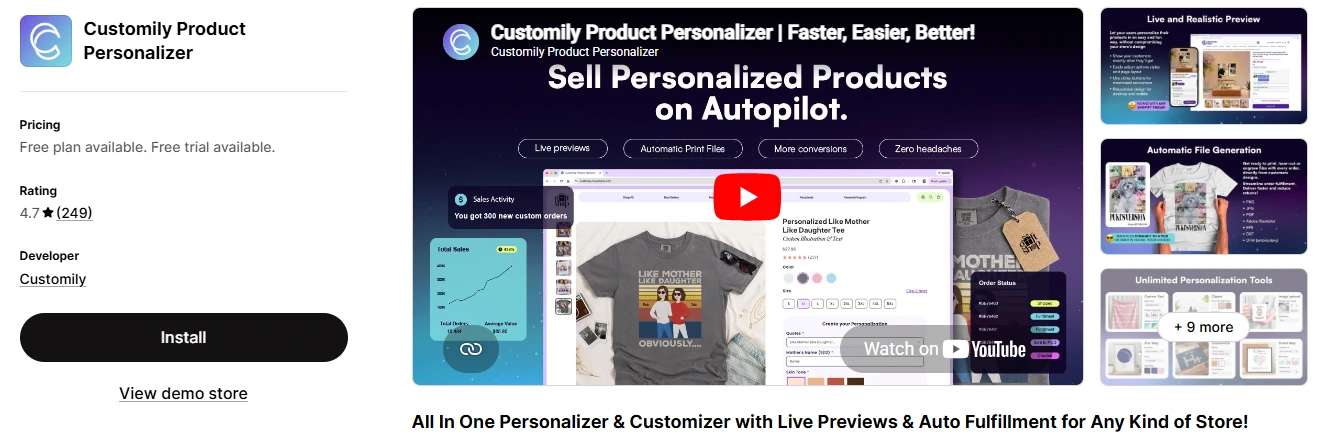
Customily is one of the most feature-rich Shopify product customization apps available today. It focuses heavily on visual personalization, allowing customers to see real-time product previews while customizing products with text, images, colors, and dynamic options.
During our review, Customily stood out for its advanced personalization workflows and strong integration capabilities. It is particularly well-suited for stores selling personalized gifts, print-on-demand products, and made-to-order items.
Ideal Merchant Type:
✅ Print-on-demand stores
✅ Personalized gift businesses
✅ Stores with advanced customization workflows
Key Features:
-
Real-time product preview
-
Conditional logic support
-
File and image uploads
-
Unlimited product options
-
Print-ready output files
-
Dynamic pricing support
-
Shopify integration with POD workflows
Pros and Cons:
|
Pros |
Cons |
|
Powerful live preview customization |
Learning curve for beginners |
|
Strong customer support |
Setup can feel complex |
|
Supports advanced personalization workflows |
Higher pricing compared to simpler apps |
|
Works well for print-on-demand businesses |
Some merchants reported storefront performance issues |
The learning curve and setup complexity appeared repeatedly across merchant reviews.
A redditor expressed similar issues and said,”... It's only giving me problems on my website... unfortunately, it's the only app that works for me due to its features, but on my product page, it keeps looping …”
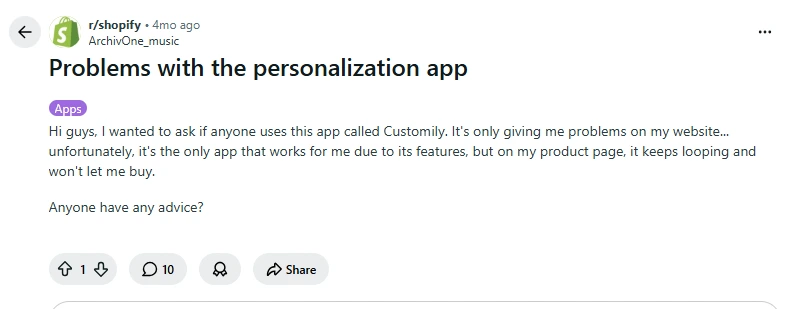
Overall, Customily is best suited for stores that prioritize advanced visual personalization over simplicity.
Pricing: Starts at $49/month with a free plan for development stores and a free trial for Shopify merchants.
Kickflip
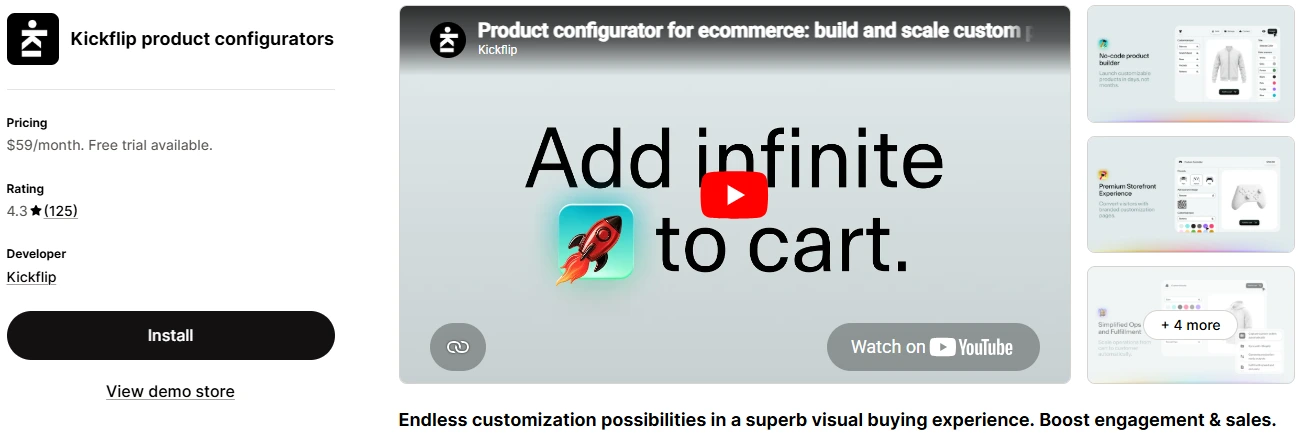
Kickflip is a visual product configurator built for merchants who want customers to interactively customize products directly on the storefront. The app focuses heavily on visual editing experiences with layered customization, material selections, and live product rendering.
Compared to some other product option apps, Kickflip feels more like a dedicated product configurator than a simple option manager.
Ideal Merchant Type:
✅ Brands needing advanced visual configurators
✅ Stores selling highly customizable products
✅ Mid-sized and scaling Shopify brands
Key Features:
-
Interactive live product preview
-
Layered customization support
-
Conditional logic
-
Dynamic pricing
-
Mobile-friendly configurator
-
Complex product configuration handling
-
Shopify-native integration
Pros and Cons:
|
Pros |
Cons |
|
Strong visual customization experience |
Pricing may be expensive for small stores |
|
Handles complex product configurations well |
Some merchants mentioned a learning curve |
|
Modern and interactive UI |
Advanced setups can take time |
|
Responsive support team |
Not ideal for low-volume stores on a tight budget |
Given the heavy customization scope, Kickflip charges an expensive amount. A redditor was looking for an alternative for the same reason, saying, “I was using KICKFLIP APP for my custom products but now they charge too much.”
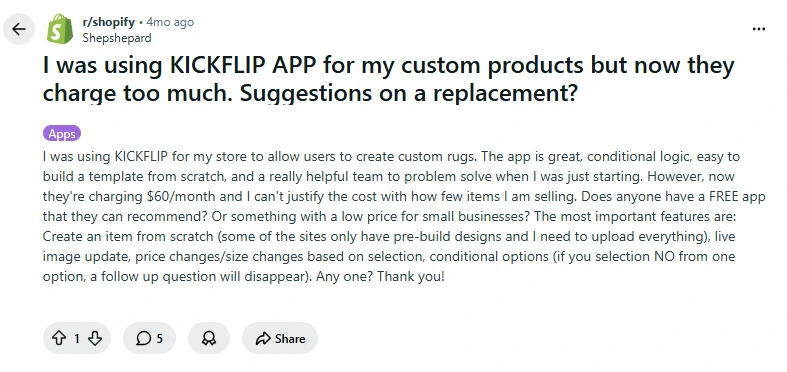
Pricing: Starts at $59/month with a free trial available.
Zakeke
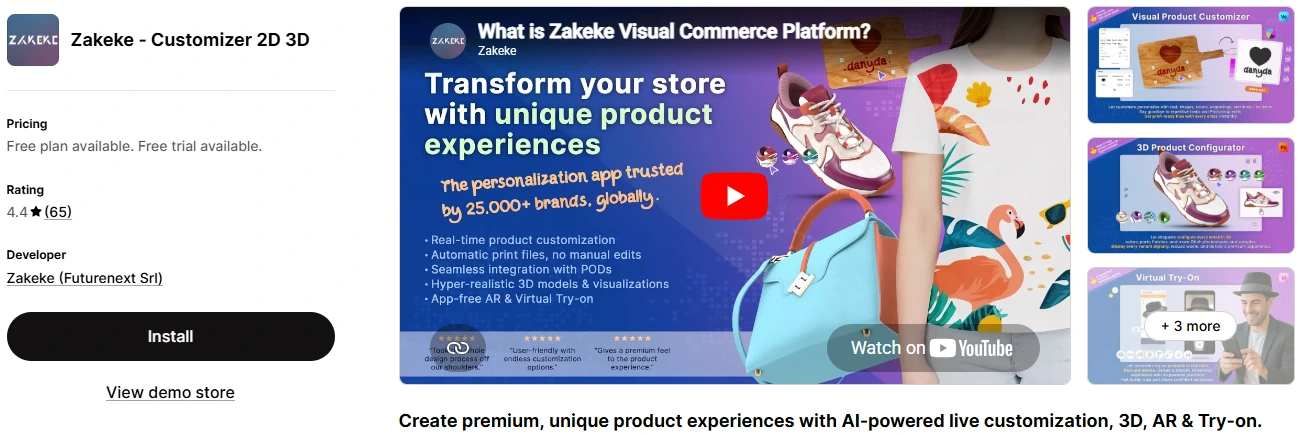
Zakeke is an advanced product customization and visual commerce platform built for Shopify stores that need interactive product personalization experiences.
The platform combines live product customization, 3D visualization, and print-ready workflows into a single system.
Compared to simpler product option apps, Zakeke is more focused on enterprise-level customization experiences and visually interactive product builders.
Ideal Merchant Type:
✅ Enterprise and scaling brands
✅ Stores selling visually customizable products
✅ Businesses needing 3D or advanced visual personalization
Key Features:
-
Real-time product customization
-
Interactive visual product configurator
-
3D product preview support
-
File and image uploads
-
Print-ready output generation
-
Multi-component customization workflows
-
Shopify integration for personalized products
Pros and Cons:
|
Pros |
Cons |
|
Strong visual customization experience |
Higher pricing compared to basic option apps |
|
Supports advanced personalization workflows |
May require more setup time for complex products |
|
3D product visualization support |
|
|
Helpful onboarding and support experience |
Pricing: Starts at $69.90/month with a free plan available.
Budget / SMB Friendly
WowOptions
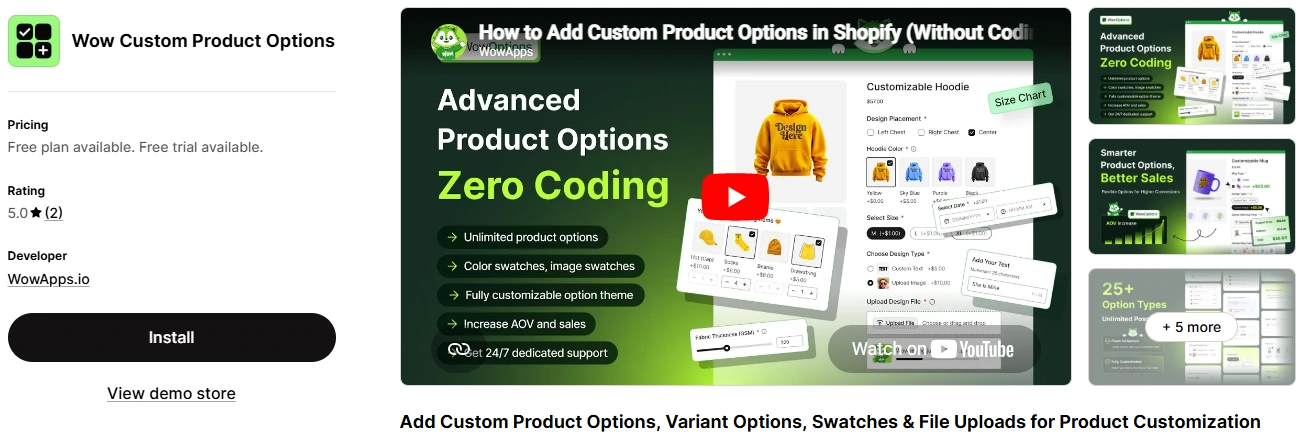
WowOptions is a Shopify product options app designed to help merchants create flexible product customization experiences without relying on complex setup processes.
The app focuses on conditional logic, customizable option fields, and personalization workflows that work well for both simple and advanced product configurations.
Compared to some heavier visual configurators, it offers a more lightweight approach while still supporting advanced product option logic and personalization features. WowOptions offers a simpler setup experience compared to heavier configurators like Zakeke.
Ideal Merchant Type:
✅ Small and mid-sized Shopify stores
✅ Stores selling customizable products
✅ Merchants needing advanced product options without complexity
Key Features:
-
Conditional logic support
-
File and image uploads
-
Unlimited product options
-
Add-on pricing support
-
Color swatches and custom fields
-
Flexible option display layouts
-
Mobile-friendly customization workflow
Pros and Cons:
|
Pros |
Cons |
|
Easy-to-use option management |
Fewer advanced visual preview features compared to enterprise configurators |
|
Flexible conditional logic workflows |
Some advanced workflows may require initial setup time |
|
Clean and lightweight interface |
|
|
Helpful support experience |
Several Shopify merchants in Reddit discussions also highlighted WowOptions for its simplicity. One redditor said, “... the UI seems better than other similar apps i used.”
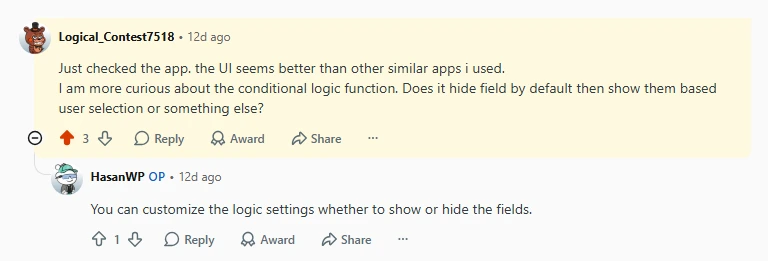
Another one said, “It looks promising, specially like the ease of use.“
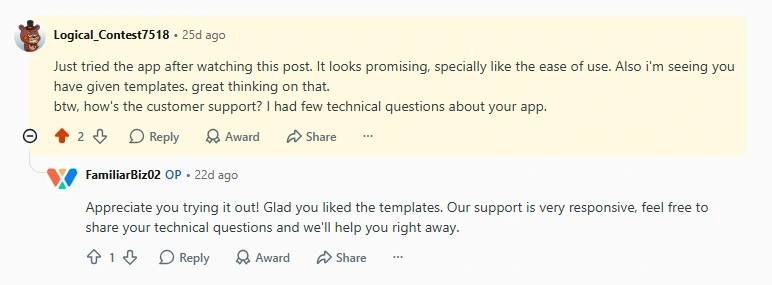
Pricing: Starts at $9.99/month with a free plan available.
Easify
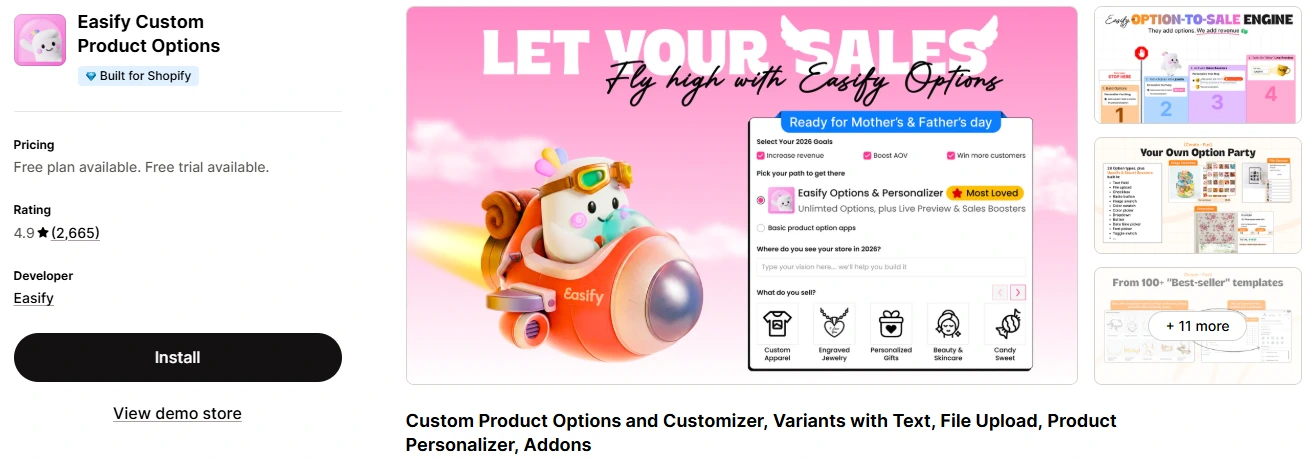
Easify Product Options is designed for Shopify merchants who want to add advanced product options and conditional logic without dealing with complicated setup processes.
The app focuses on simplicity while still offering many of the customization features needed for personalized product workflows. Easify felt noticeably easier to configure than most visual configurators we tested.
It works particularly well for merchants who need customizable product fields, add-ons, swatches, and conditional logic without investing in a more advanced visual configurator.
Ideal Merchant Type:
✅ Small and mid-sized Shopify stores
✅ Merchants needing flexible product options
✅ Stores looking for easy conditional logic setup
Key Features:
-
Conditional logic support
-
File and image uploads
-
Color swatches and custom fields
-
Add-on pricing support
-
Drag-and-drop option setup
-
Mobile-friendly product options
-
Lightweight customization workflow
Pros and Cons:
|
Pros |
Cons |
|
Easy to set up and manage |
Limited advanced visual customization |
|
Beginner-friendly interface |
May not fit highly complex product configurators |
|
Flexible conditional logic support |
|
|
Responsive customer support |
Learn more: The Best Alternatives to Easify.
Pricing: Starts at $9.99/month with a free plan available.
Globo
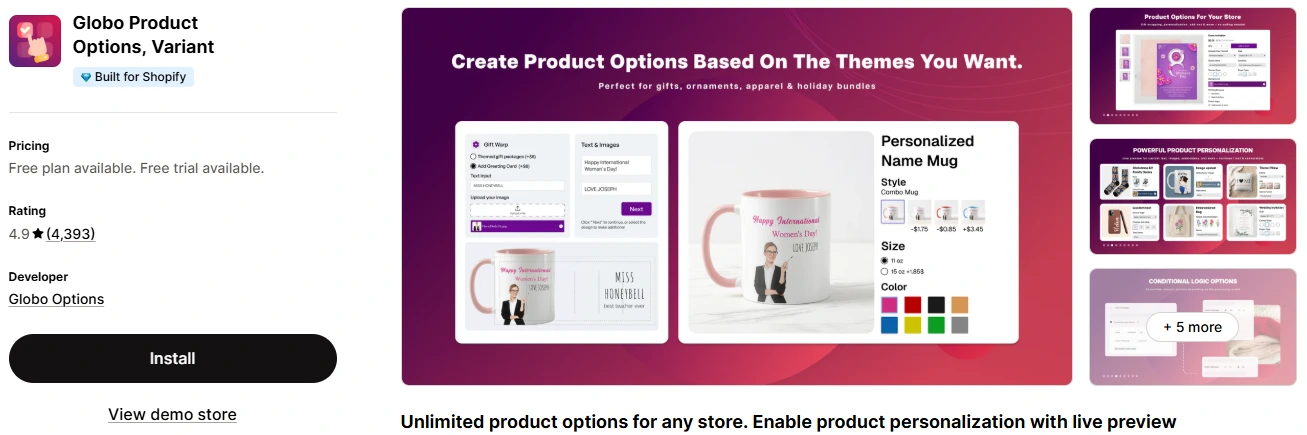
Globo Product Options is a lightweight Shopify product options app. It focuses on helping merchants add flexible customization fields without making product setup overly complicated.
It supports common option types like text fields, image swatches, file uploads, checkboxes, and conditional logic.
Ideal Merchant Type:
✅ Small Shopify stores
✅ Budget-conscious merchants
✅ Stores needing simple product personalization
Key Features:
-
Conditional logic support
-
File and image uploads
-
Color and image swatches
-
Add-on pricing support
-
Unlimited product options
-
Easy option set management
-
Lightweight storefront integration
Pros and Cons:
|
Pros |
Cons |
|
Affordable pricing for small stores |
Limited advanced visual customization |
|
Easy to configure and manage |
May not fit highly complex workflows |
|
Flexible option types and conditional logic |
|
|
Helpful and responsive support team |
Pricing: Starts at $9.90/month with a free plan available.
Specialized Purpose
SetuBridge
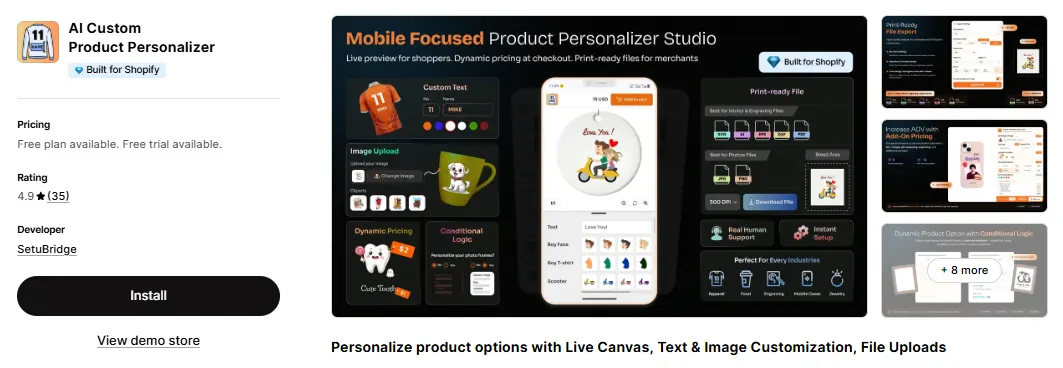
AI Custom Product Personalizer Built for Shopify by SetuBridge is a Shopify product customization app designed around live canvas editing. It allows customers to add and customize text, images, and engraving directly on a product preview.
The app is primarily designed for print-on-demand sellers offering t-shirts, mugs, shoes, phone cases, and other made-to-order products.
Compared to heavier visual configurators, it leans on a multi-view template system (front, back, side) plus AI-assisted tools like background removal, making it a strong fit for POD stores that want design-level customization without a steep setup curve.
Ideal Merchant Type:
✅ Print-on-demand stores
✅ Personalized gift and engraving businesses
✅ Merchants needing multi-view (front/back/side) product templates
Key Features:
-
Live canvas preview with text and image customization
-
Multi-view template builder (front, back, side layouts)
-
Text engraving and neon text effects
-
AI background removal and image cropping
-
Conditional logic support
-
Print-ready export in PNG, JPG, SVG, AI, PDF, EPS, and DXF
-
Multi-language and multi-currency support
Pros and Cons:
|
Pros |
Cons |
|
Strong multi-view and engraving-focused customization |
Advanced export formats (SVG, AI, EPS, DXF) gated to higher tiers |
|
AI background removal built in |
Free plan limited to 5 personalized products |
|
Highly rated support (4.9/5 across reviews) |
|
|
Affordable entry pricing |
Pricing: Free plan available. Paid plan starts at $4.99/month.
Teeinblue
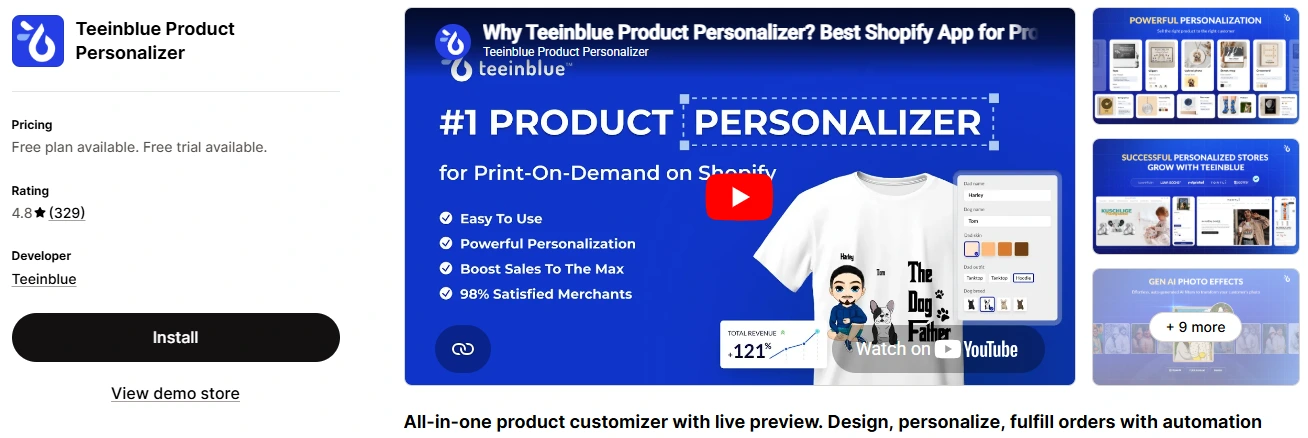
Teeinblue is a Shopify product personalization app built primarily for print-on-demand and personalized product businesses.
The platform focuses on helping merchants create dynamic personalization workflows with live previews, custom text inputs, image personalization, and print-ready order generation.
Ideal Merchant Type:
✅ Print-on-demand stores
✅ Personalized gift businesses
✅ Merchants selling made-to-order products
Key Features:
-
Live product personalization preview
-
Dynamic text and image customization
-
Conditional logic support
-
Personalized order generation
-
Ready-to-use personalization templates
-
Shopify integration for POD workflows
-
Bulk personalization handling
Pros and Cons:
|
Pros |
Cons |
|
Strong personalization workflow for POD businesses |
More focused on POD workflows than general product options |
|
Easy-to-use live preview system |
Advanced setups may require some learning time |
|
Helpful template-based customization setup |
|
|
Responsive customer support |
Pricing: Starts at $49/month with a free plan available.
Inkybay
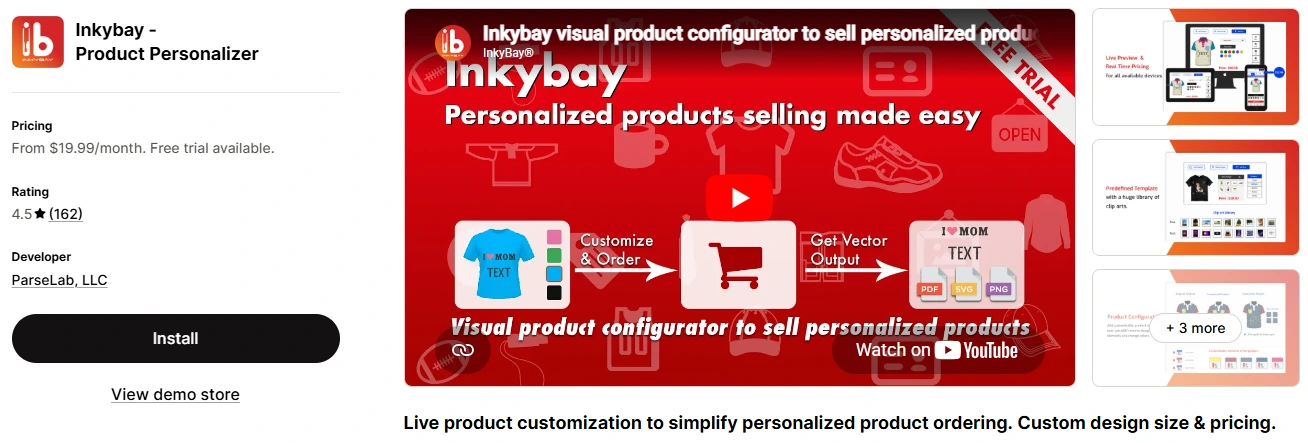
Inkybay is a visual product configurator designed for Shopify merchants who want customers to customize products interactively before purchase.
The app supports live product editing, layered customization, file uploads, and dynamic pricing workflows for personalized products.
Compared to simpler product options apps, Inkybay is more focused on visual product design experiences. Unlike Globo, Inkybay is built more for interactive visual configuration workflows.
Ideal Merchant Type:
✅ Stores selling visually customizable products
✅ Print and promotional product businesses
✅ Merchants needing interactive product configurators
Key Features:
-
Interactive live product preview
-
Layer-based product customization
-
File and image uploads
-
Dynamic pricing support
-
Product configurator workflows
-
Print-ready output generation
-
Mobile-friendly customization experience
Pros and Cons:
|
Pros |
Cons |
|
Flexible visual product configurator |
Can feel overwhelming for simple product option needs |
|
Strong customization and design capabilities |
Some advanced workflows may take time to configure |
|
Supports complex personalization workflows |
|
|
Helpful onboarding and support team |
Pricing: Starts at $19.99/month with a free trial available.
Which Shopify Product Customizer App Should You Choose?
The best Shopify product customizer app depends on the type of products you sell and how advanced your customization workflow needs to be.
|
Use Case |
Recommended Apps |
|
Advanced visual customization |
Customily, Kickflip, Zakeke |
|
Lightweight product options |
WowOptions, Globo, Easify |
|
Print-on-demand workflows |
SetuBridge, Teeinblue, Inkybay |
|
Beginner-friendly setup |
Easify, Globo, WowOptions |
|
Complex product configurators |
Kickflip, Zakeke, Inkybay |
|
Budget-friendly option |
WowOptions, SetuBridge, Globo |
Bonus Tips
Before making a decision, focus on the features that matter most for your store:
Live preview capabilities
Conditional logic support
File and image uploads
Pricing flexibility
Ease of setup
Workflow scalability
Most apps in this category offer free plans or trial periods, so testing the workflow on your own storefront is often the best way to find the right fit.
Frequently Asked Questions
Does Shopify support product customization?
Are Shopify product customizer apps expensive?
Can I allow file uploads on Shopify?
Which apps support conditional logic?
What’s the difference between product options and product configurators?
Product options apps typically focus on adding extra fields and customization choices like dropdowns, checkboxes, text inputs, swatches, or file uploads.
Product configurators go a step further by offering advanced visual customization experiences such as live previews, layered product editing, dynamic pricing, or interactive product builders.
Final verdict
The best Shopify product customizer app ultimately depends on the type of customization experience your store needs.
If you need advanced visual personalization and scalable workflows, apps like Customily and Kickflip stand out as strong market leaders.
For small and mid-sized stores looking for flexible product options without added complexity, WowOptions and Globo offer a more lightweight approach.
And for print-on-demand or highly visual customization workflows, specialized solutions like SetuBridge, Teeinblue, and Inkybay are worth considering.
Before choosing an app, focus on the features that matter most for your store, such as live previews, conditional logic, file uploads, pricing flexibility, and overall ease of use.