
The Global Style settings allow you to control the overall look and feel of all option fields across your store. These settings are applied globally, helping you maintain a consistent and clean design without styling each field individually.
Controls the overall size of all option fields and inputs.
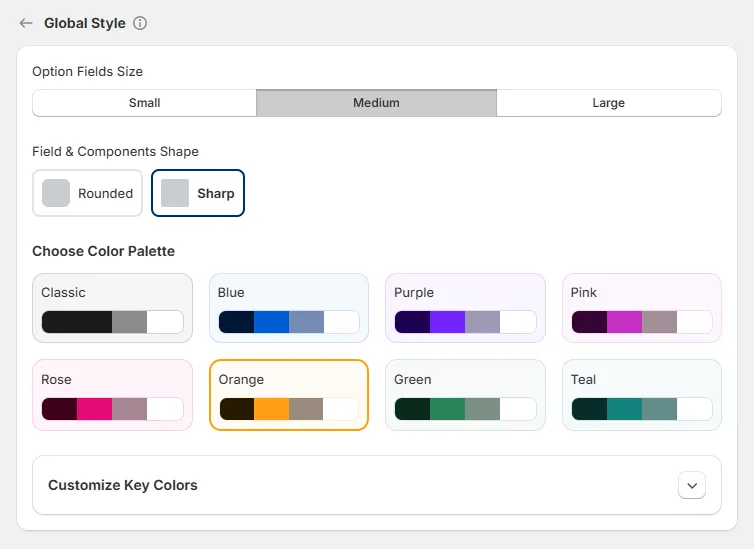
Defines the visual shape of input fields and UI elements.
Sets the color theme used across buttons, selections, and interactive elements. Available palettes include:
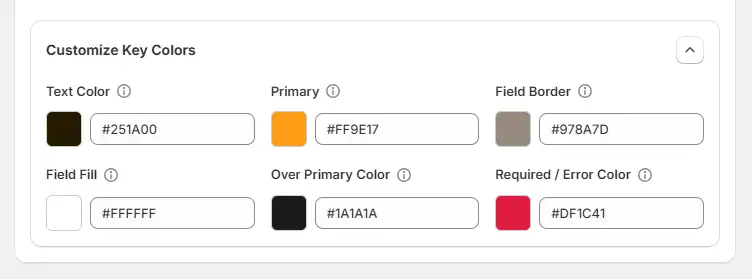
Each palette affects elements such as:
This helps ensure your product options match your store's branding and visual style.
Explore the FAQ to learn about common issues and solutions
